Stable Diffusion prompt generator · free
Stable Diffusion prompt generator
Get a comma-separated tag prompt plus a matching negative prompt, ready to paste into Automatic1111, ComfyUI or any SD front-end.
Free & instant — no sign-up to get prompts
The workbench
Upload once. Get every model's version.
One analysis, formatted for the model you actually use — copy it, or generate the image right here.
Your image
Or try one
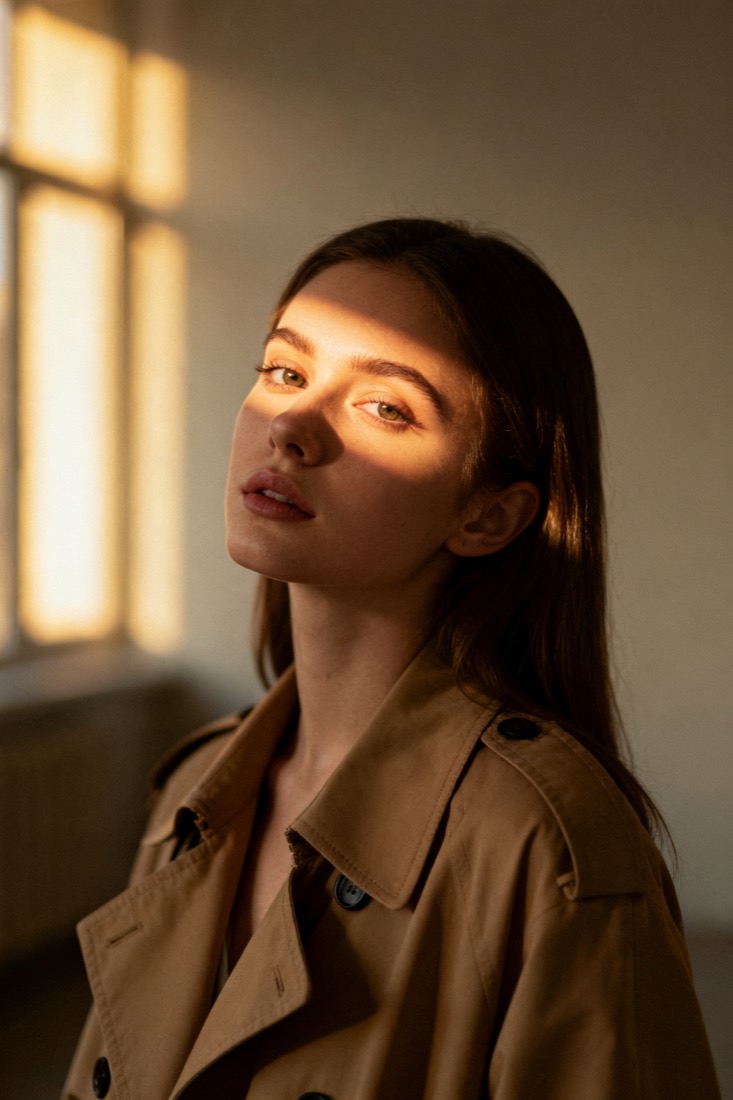
(cinematic portrait:1.3), young woman, beige trench coat, soft window light, muted earth tones, 85mm, shallow dof
Negative: blurry, extra fingers, lowres, oversaturated
Subject
woman, beige trench coat
Composition
waist-up, centered
Lighting
soft window light
Style
cinematic, muted
Camera
85mm, f/1.8
Negative
blur, extra fingers
Proof
The prompt rebuilds your image.
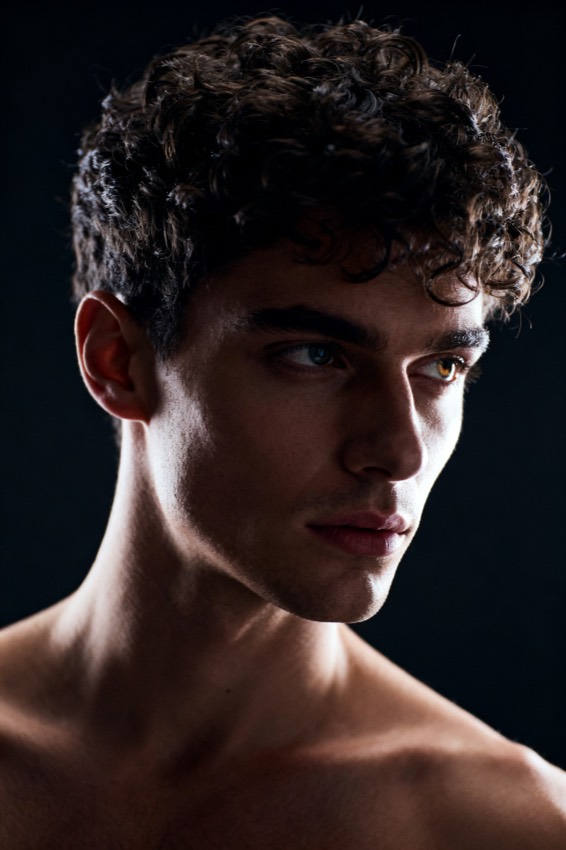
Every prompt comes with a recreation, side by side with your original — so you know it works before you use it.
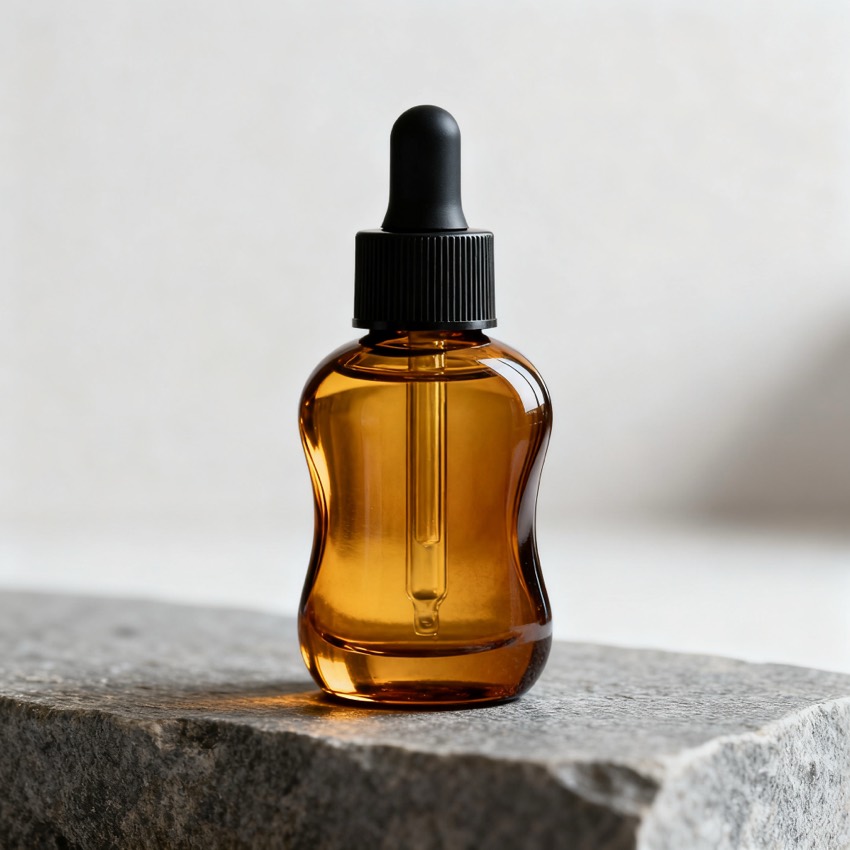
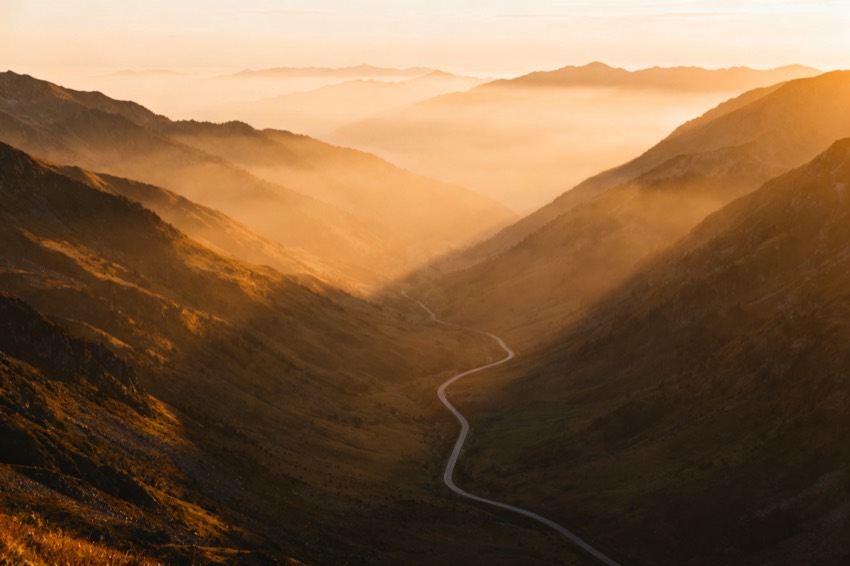
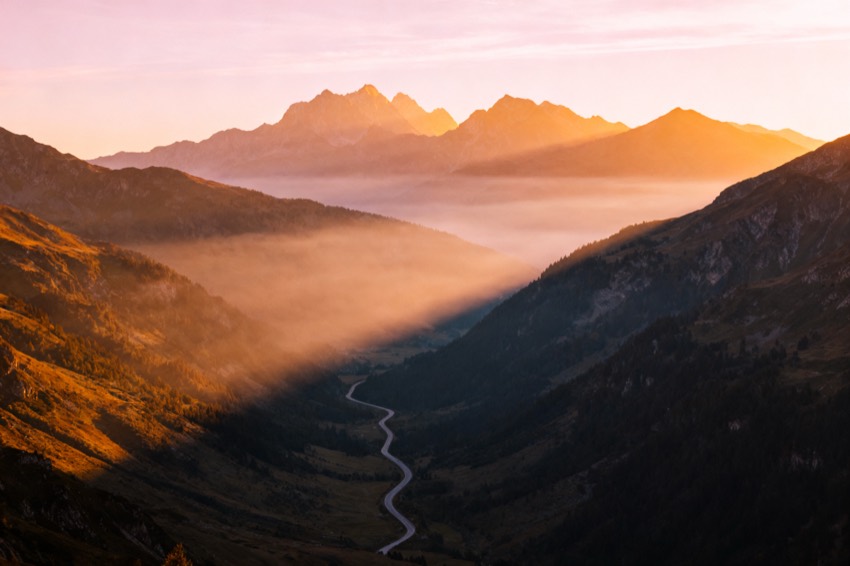
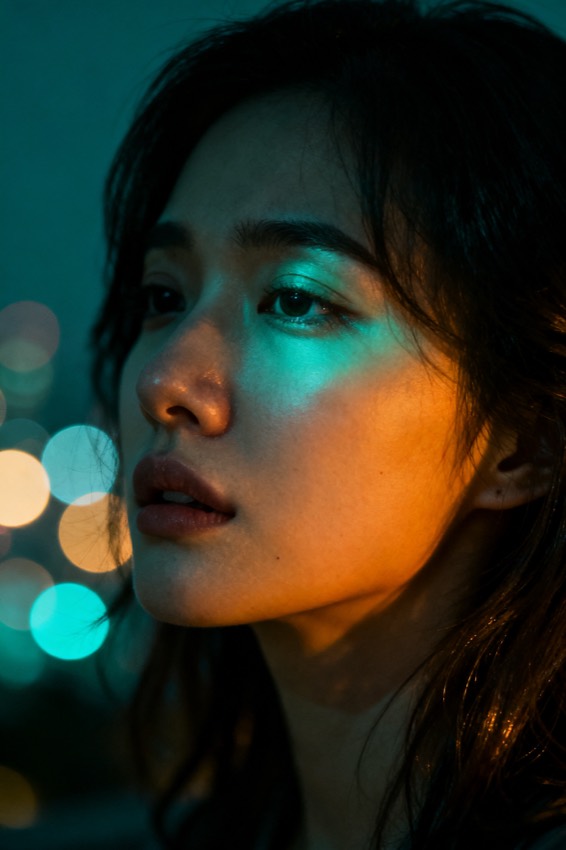
Prompt library
Steal from a gallery of working prompts.
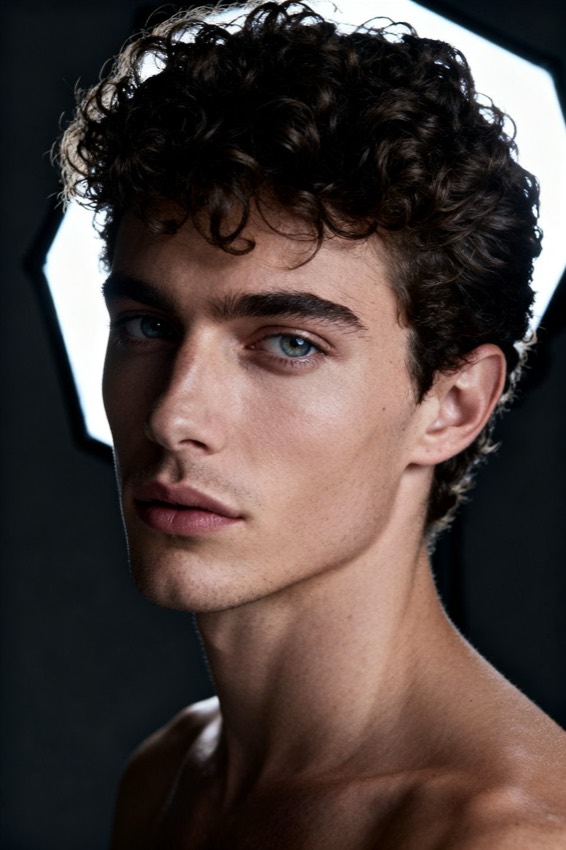
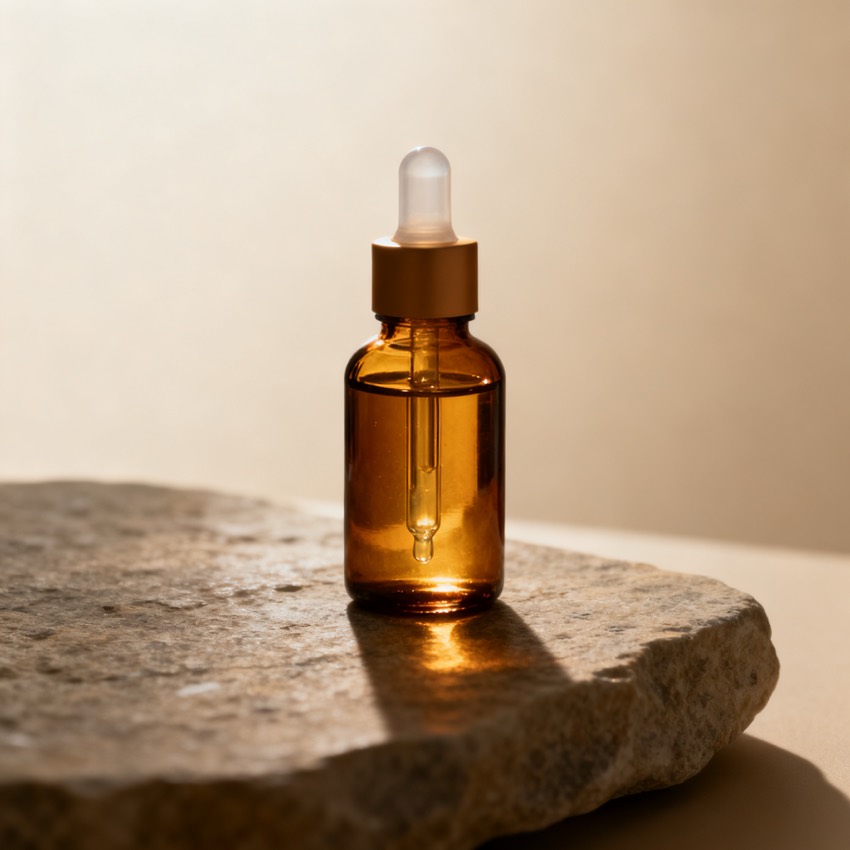
Browse by look, model and subject. Tap any image to load its prompt into the workbench.
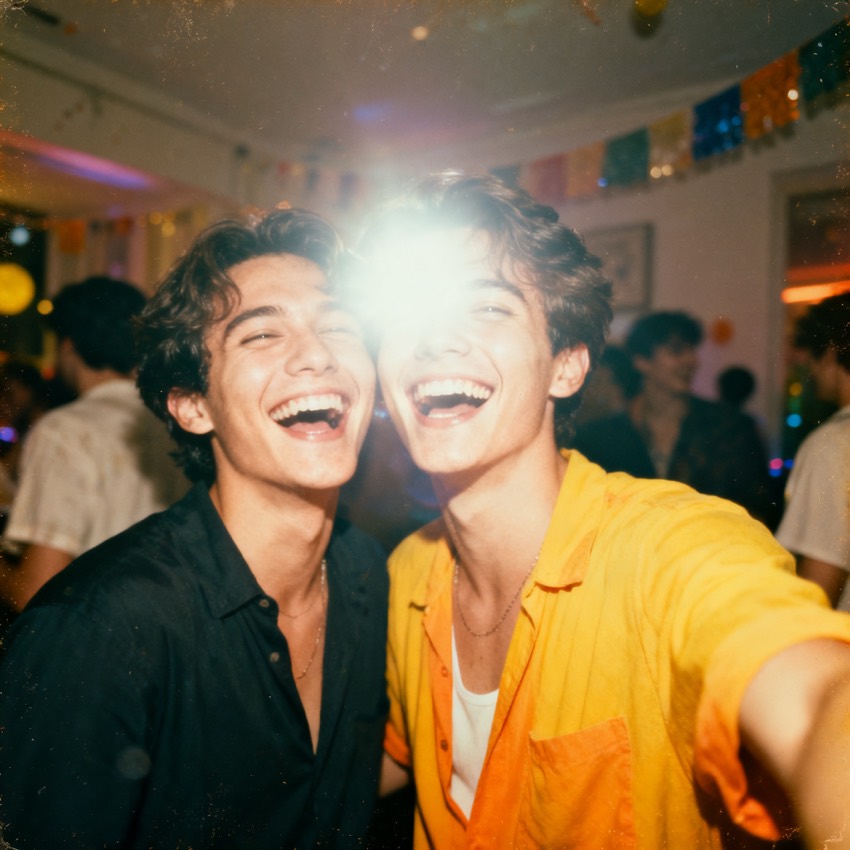
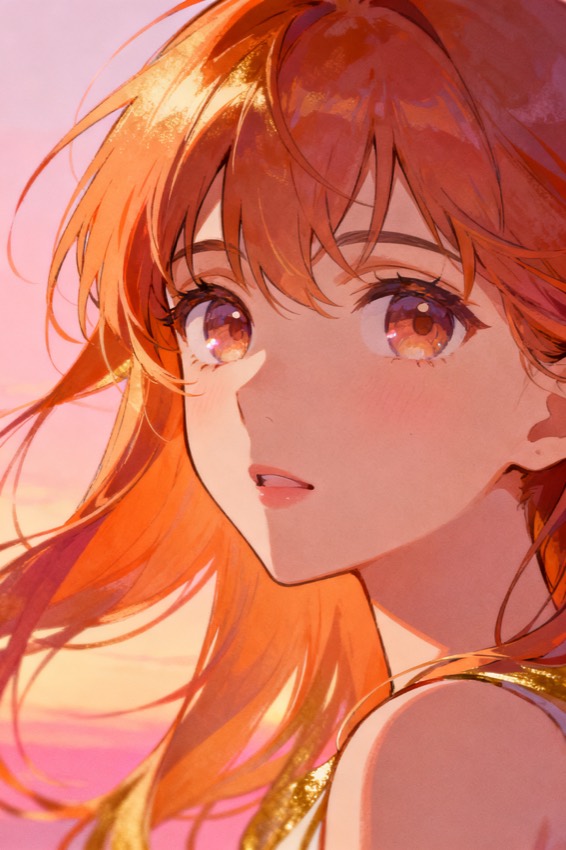
From image to Stable Diffusion prompt
What a Stable Diffusion prompt generator does
It reads your image and writes two things: a comma-separated tag prompt, and the matching negative prompt that keeps the render clean.
Stable Diffusion front-ends give you two boxes, and most prompt tools only fill one. The positive box wants discrete, comma-separated tags in rough order of importance; the negative box wants the failure modes you are trying to suppress, and leaving it empty is one of the most common reasons a technically correct prompt produces a mangled result. Upload a reference here and both boxes get filled from the same analysis — subject, composition, lighting, style and camera become the tag run, while the artefacts worth excluding become a negative list you can paste alongside it. Everything remains editable, which matters more on Stable Diffusion than elsewhere: your checkpoint, your LoRAs and your sampler all shift what the same tags produce, so the prompt is a starting point you tune rather than a finished answer.
Stable Diffusion specifics
What makes an SD prompt work
The tag format looks arbitrary until you see what each part controls.
- Comma-separated tags, weighted by order
- Tags earlier in the prompt carry more influence, so the subject leads and the atmosphere trails. The output follows that order rather than listing attributes in whatever sequence they were detected.
- A real negative prompt
- You get a populated negative prompt, not an empty box — the anatomy, artefact and quality failures worth suppressing for the kind of image you uploaded.
- Emphasis syntax
- Standard parenthesis weighting lets you push one tag harder without rewriting the prompt. The generated tags are plain so you can add emphasis exactly where your checkpoint needs it.
- Your checkpoint still decides
- A photoreal checkpoint and an anime checkpoint will read the same tags very differently. The prompt describes the reference honestly; matching it to the right model is the part no prompt tool can do for you.
- Works across front-ends
- The output is plain text for the positive and negative fields, so it pastes into Automatic1111, Forge, ComfyUI or a hosted SDXL endpoint without changes.
Other models
Not using Stable Diffusion?
The same analysis is rewritten per model. For Flux, Midjourney and DALL·E the tag format would actively hurt the result, so those pages give you the phrasing each of them expects instead. The home page shows every version from one upload.
Stable Diffusion questions
Stable Diffusion prompt questions
- Does this work with SDXL and SD 1.5?
- Both. The tag format is shared. SDXL generally follows longer, more natural phrasing better than 1.5 does, so if you are on SDXL you can safely keep more of the descriptive tags; on 1.5, trimming to the strongest ten or so tags usually lands closer.
- Should I use the negative prompt as-is?
- Use it as a baseline and then cut. Overloaded negative prompts constrain the model more than people expect, and some checkpoints already bake in the common exclusions. If your results look flat or over-corrected, shorten the negative list first.
- Will it detect the LoRA or checkpoint behind an image?
- No, and no tool reliably can. What is visible in an image is its style, not the weights that produced it. The prompt describes the look so you can approach it with your own models; it does not identify which ones were originally used.
- Do I need to sign up?
- No. Uploading an image and copying both the positive and negative prompt is free without an account. Sign-in only applies to generating a recreation image on this page.