A premium studio product shot of the uploaded product on a clean stone surface, soft softbox lighting, low hero angle, minimal background, crisp macro detail, 100mm.
Subject
the uploaded product
Composition
hero center, low angle
Lighting
soft studio softbox
Style
clean, premium e-commerce
Camera
100mm macro
Negative
clutter, harsh shadow, reflection
Try it yourself
Get a prompt like this from your own photo
Upload your image and PixToPrompt writes a copy-paste prompt — then tweak it like the template below.
Free & instant — no sign-up to get prompts
Your image
Or try one
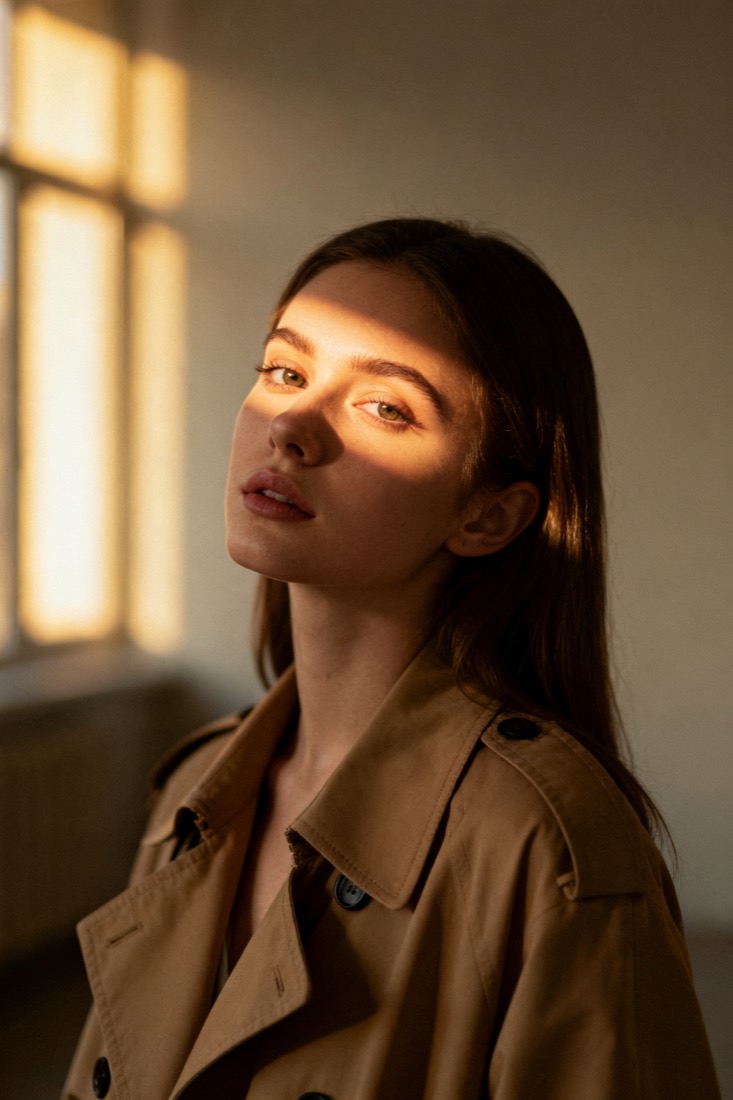
A cinematic waist-up portrait of a young woman in a beige trench coat, lit by soft window light, muted earth tones, shallow depth of field, shot on an 85mm lens.
Subject
woman, beige trench coat
Composition
waist-up, centered
Lighting
soft window light
Style
cinematic, muted
Camera
85mm, f/1.8
Negative
blur, extra fingers
Copy this prompt for any model
The same look needs different wording per model — the fields are identical, only the formatting changes. Copy the version your tool actually reads:
A premium studio product shot of the uploaded product on a clean stone surface, soft softbox lighting, low hero angle, minimal background, crisp macro detail, 100mm.
the uploaded product, hero center, low angle, clean, premium e-commerce, soft studio softbox, 100mm macro --ar 1:1 --style raw --v 6
the uploaded product, hero center, low angle, clean, premium e-commerce, soft studio softbox, 100mm macro, highly detailed
Negative prompt: clutter, harsh shadow, reflection
About this look
A studio product shot prompt recreates the clean, premium e-commerce look — a single product, soft light, and a minimal background that puts the object first. It works because every value is a real photographic choice: soft studio softbox for even, wrap-around light, a low hero angle to make the product feel important, and a 100mm macro framing for crisp, distortion-free detail. The clean stone surface and minimal background keep attention on the product, and the negatives — clutter, harsh shadow, reflection — kill the three things that make product renders look amateur. Tip: upload a sharp photo of the product against a plain surface so the model has clean edges to preserve when it restyles the lighting.
Why this prompt works
Premium product photography is mostly about control of light and distraction, and this prompt encodes both. A soft studio softbox gives broad, even, wrap-around light with gentle gradients — the look of a real lightbox setup — which keeps the surface readable and free of hard hotspots. The low hero angle is a deliberate commercial choice: shooting slightly up makes the product feel important and substantial. 100mm macro framing renders crisp, distortion-free detail so labels and edges stay true. The clean stone surface and minimal background remove anything competing with the object, which is the entire point of a packshot. The negatives — clutter, harsh shadow, reflection — eliminate the three tells of an amateur render. Feed it a sharp source on a plain surface and the model keeps the product's real geometry while it rebuilds the lighting around it.
The ideal source photo
Photograph the product sharply on a plain surface with the whole object in frame and any labels readable. Clean edges and clear detail let the model keep the real geometry while it rebuilds the lighting. Avoid busy backgrounds, hard shadows, strong reflections, or a tilted, partial view. Flat, even light on a neutral surface is the best starting point — the prompt supplies the premium studio look on top.
How to use this prompt
- 1Upload a sharp photo of the product on a plain surface so the model has clean edges to keep.
- 2Copy or load the prompt, keeping the softbox light, low hero angle and 100mm macro framing.
- 3Generate with Flux or Midjourney and check the labels and shape stayed accurate.
What to expect
A good packshot shows your product sharp and true to shape, evenly lit on a clean surface, with no clutter, hard shadows or blown reflections — the look of a real studio. Labels and colour should stay accurate. Lighting and angle vary run to run, so generate a few and pick the cleanest; if the shape drifts, fix it with a sharper source rather than more prompt words.
Tips for a sharper result
- Keep clutter, harsh shadow and reflection in the negatives — they're what make product renders look amateur.
- A low hero angle makes the product feel premium; a flat eye-level angle reads as a snapshot.
- The cleaner the source detail (labels, colour, shape), the closer the recreation stays to the real item.
Common mistakes
- Busy or messy resultkeep clutter, harsh shadow and reflection in the negatives.
- Product shape or label driftsuse a sharper, straight-on source with the whole item visible.
- Looks flat or cheapkeep the low hero angle and soft softbox lighting.
Variations to try
- Switch the stone surface for water ripples, silk, or a colour-blocked riser to set a different mood.
- Add soft gradient or coloured-gel lighting for a more editorial, branded campaign feel.
- Move from a single hero to a floating or exploded-component layout for feature callouts.