Midjourney prompt generator · free
Midjourney prompt generator
Upload a reference image and get a Midjourney prompt with the parameters already attached — aspect ratio, style and the negatives to suppress.
Free & instant — no sign-up to get prompts
The workbench
Upload once. Get every model's version.
One analysis, formatted for the model you actually use — copy it, or generate the image right here.
Your image
Or try one
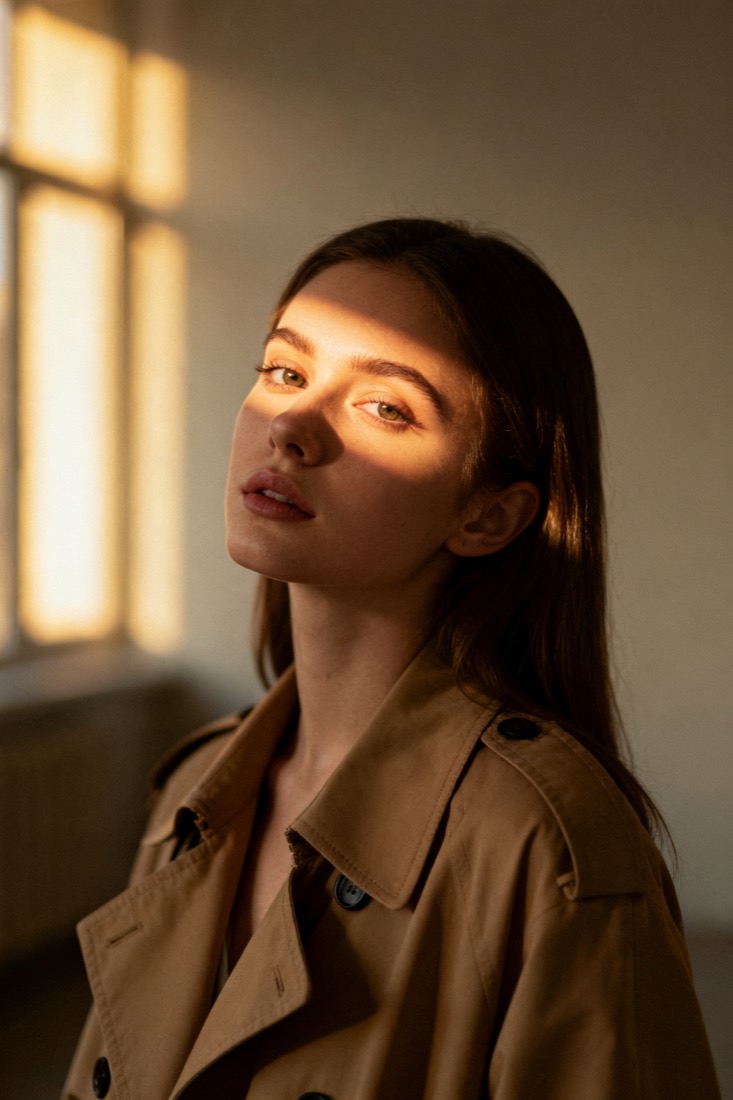
cinematic portrait of a young woman in a beige trench coat, soft window light, muted earth tones, 85mm, shallow depth of field --ar 3:4 --style raw --v 6
Subject
woman, beige trench coat
Composition
waist-up, centered
Lighting
soft window light
Style
cinematic, muted
Camera
85mm, f/1.8
Negative
blur, extra fingers
Proof
The prompt rebuilds your image.
Every prompt comes with a recreation, side by side with your original — so you know it works before you use it.
Prompt library
Steal from a gallery of working prompts.
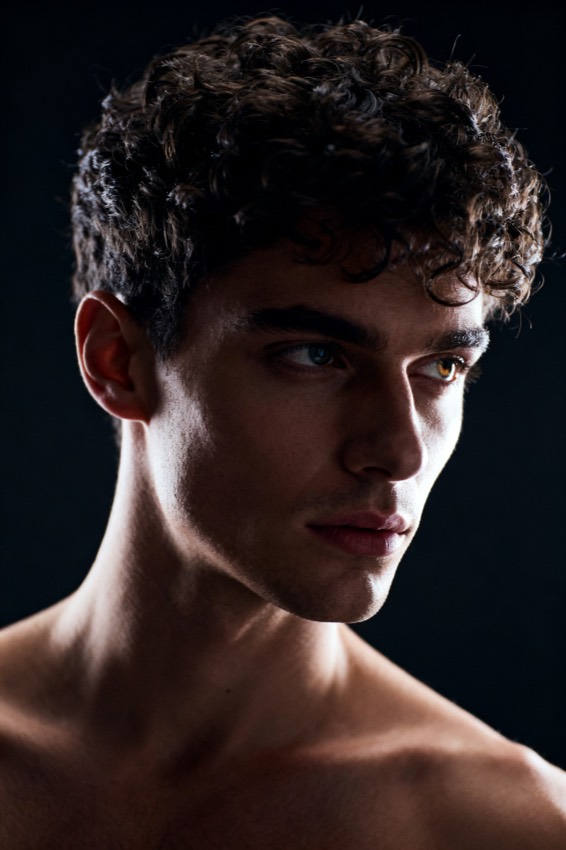
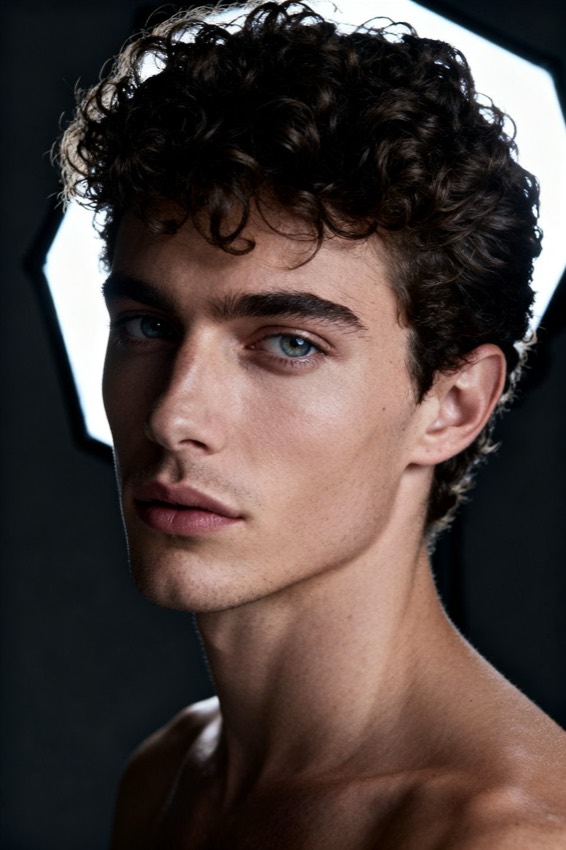
Browse by look, model and subject. Tap any image to load its prompt into the workbench.
From image to Midjourney prompt
What a Midjourney prompt generator does
It reads a reference image and writes it back as a Midjourney prompt — the descriptive phrases first, then the parameters that control the render.
Midjourney is not read like a sentence. It weighs a comma-separated run of descriptive phrases, then applies trailing parameters that change the render itself rather than the content. That split is where hand-written prompts go wrong: people describe the picture well and then leave the aspect ratio, the stylisation and the exclusions to chance, so the output is recognisably the same subject in the wrong shape and the wrong degree of illustration. Upload your reference here and the analysis fills both halves — subject, composition, lighting, palette and camera become the phrase run, while the shape of your image and the things worth suppressing become the parameters. You can edit any field before copying, and you can generate a recreation on this page to see how close the prompt lands before you spend anything in Midjourney.
Midjourney specifics
What this page adds that a generic prompt does not
A prompt that ignores Midjourney's parameter grammar loses most of its control over the result.
- Aspect ratio from your image
- The --ar parameter is read off the reference itself, so a 2:3 portrait stays a portrait instead of defaulting to square and re-cropping your composition.
- Stylisation and raw mode
- Midjourney applies an opinionated aesthetic by default. When the reference is photographic, the prompt carries --style raw so the model stops prettifying and stays closer to what you uploaded.
- Exclusions as --no, not as words
- Writing "no blur" inside the description can pull blur into the image. The negatives detected in your reference are moved into the --no parameter instead, where Midjourney actually treats them as exclusions.
- Phrase order that matters
- Earlier phrases carry more weight, so the subject leads and the grade, lens and mood follow — rather than an alphabetical dump of adjectives.
- Where a prompt stops being enough
- For a style you need reproduced exactly rather than described, Midjourney's own style-reference parameter beats any text prompt. This page tells you when that is the better tool, instead of pretending words can do it.
Other models
Using a different model?
The same upload produces a prompt for every model — the phrasing changes because the models read differently. If you are working in Flux, Stable Diffusion and DALL·E start there instead, or use the general image to prompt tool on the home page to compare all of them side by side from a single analysis.
Midjourney questions
Midjourney prompt questions
- Can it give me the exact prompt used to make an image?
- No tool can, and anyone claiming otherwise is overselling. Image models are one-to-many: the same prompt with a different seed produces a different picture, and the original prompt is not stored in the image. What this generator does is read the picture and write a prompt that reproduces its look — subject, framing, light, palette and grade. The recreation shown on this page is how you judge whether it got close enough.
- Which parameters does the generated prompt include?
- Aspect ratio derived from your reference, raw style when the reference is photographic rather than illustrated, and an exclusion list built from the artefacts worth suppressing. You can delete or edit any of them before copying — they are plain text at the end of the prompt.
- Does it work with the current Midjourney version?
- The prompt is plain text using the standard parameter syntax, so it pastes into the Midjourney bot or the web app as-is. If a parameter is not supported in your version, Midjourney ignores or flags it and the descriptive part of the prompt still works.
- Do I need an account?
- Not to read the prompt. Uploading an image and copying the resulting Midjourney prompt is free and needs no sign-up. An account is only needed if you want to generate the recreation image here rather than in Midjourney.