Nano Banana prompt generator · free
Nano Banana prompt generator
Gemini's image model reads instructions about an image. Upload yours and get a prompt phrased as the edit or the scene you actually want.
Free & instant — no sign-up to get prompts
The workbench
Upload once. Get every model's version.
One analysis, formatted for the model you actually use — copy it, or generate the image right here.
Your image
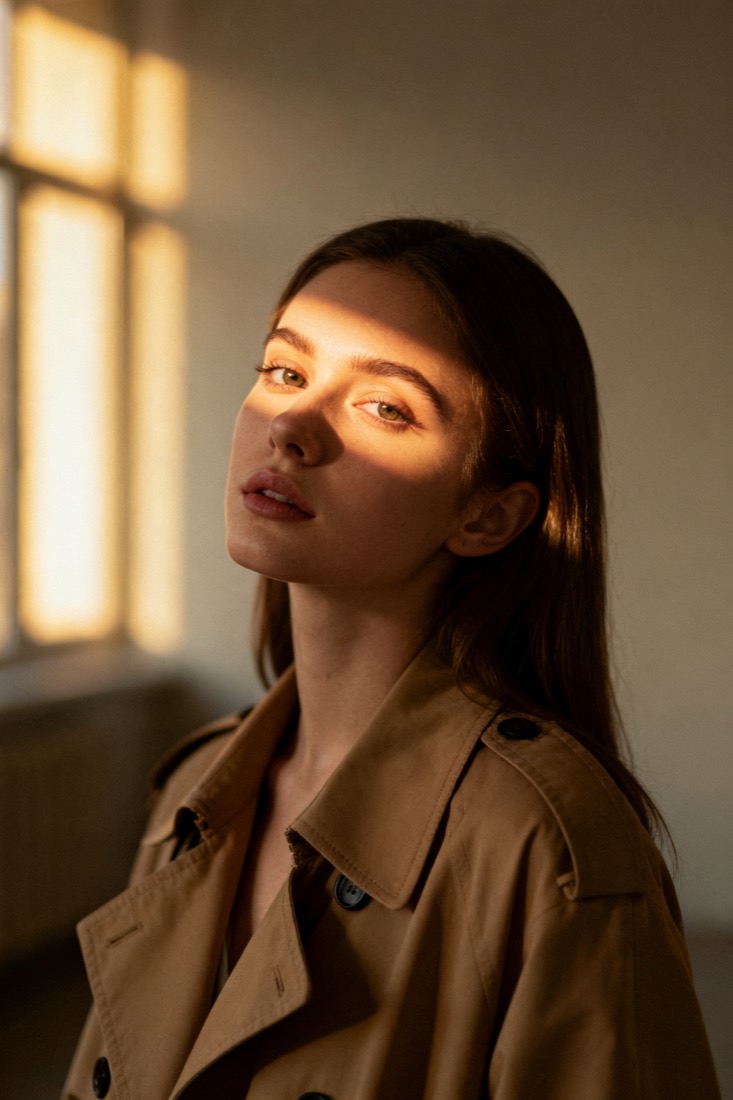
Or try one
Edit this photo into a cinematic portrait: keep the face, dress her in a beige trench coat, add soft window light and muted earth tones, blur the background slightly.
Subject
woman, beige trench coat
Composition
waist-up, centered
Lighting
soft window light
Style
cinematic, muted
Camera
85mm, f/1.8
Negative
blur, extra fingers
Proof
The prompt rebuilds your image.
Every prompt comes with a recreation, side by side with your original — so you know it works before you use it.
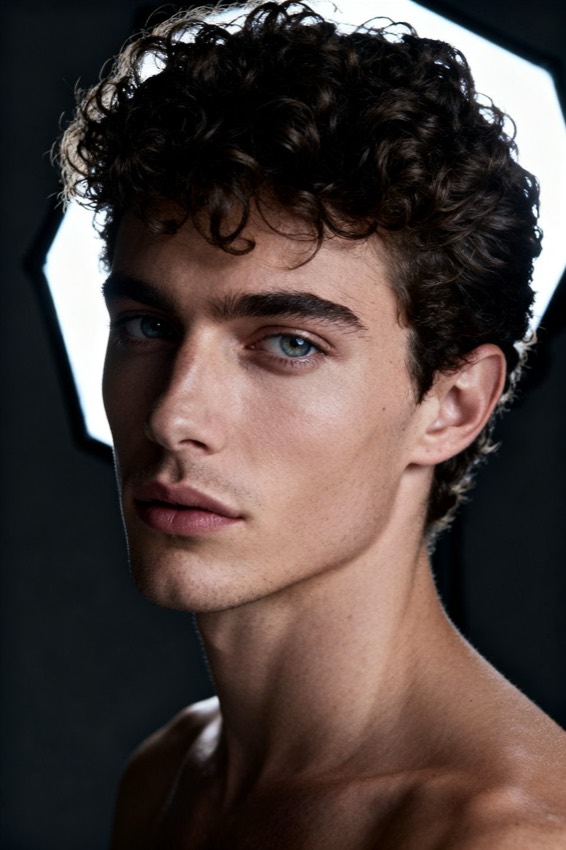
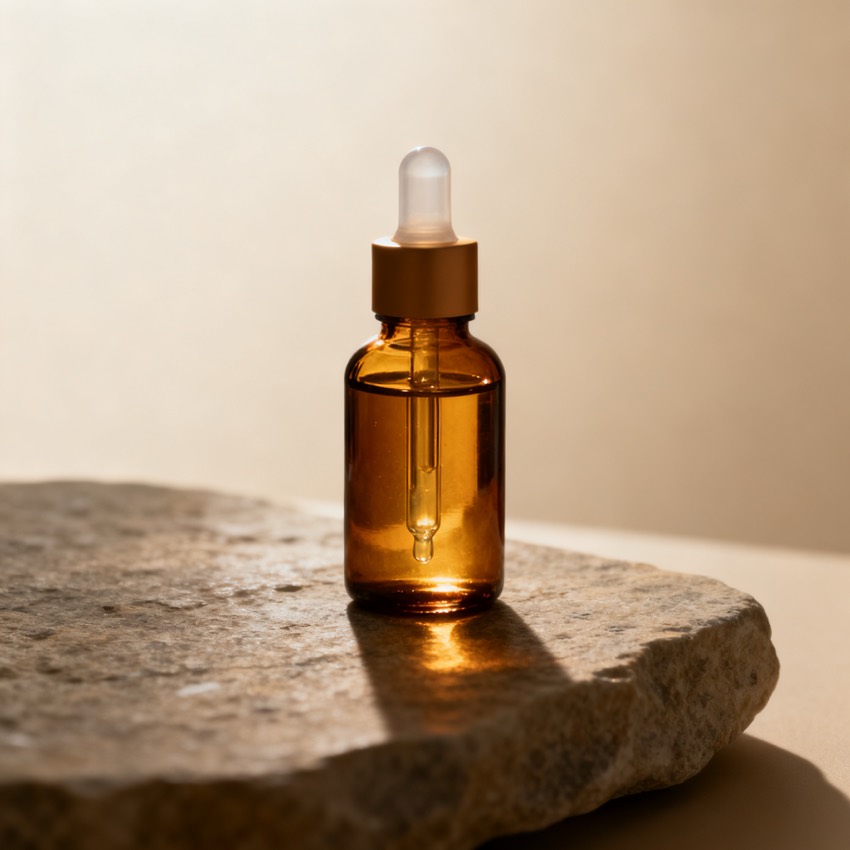
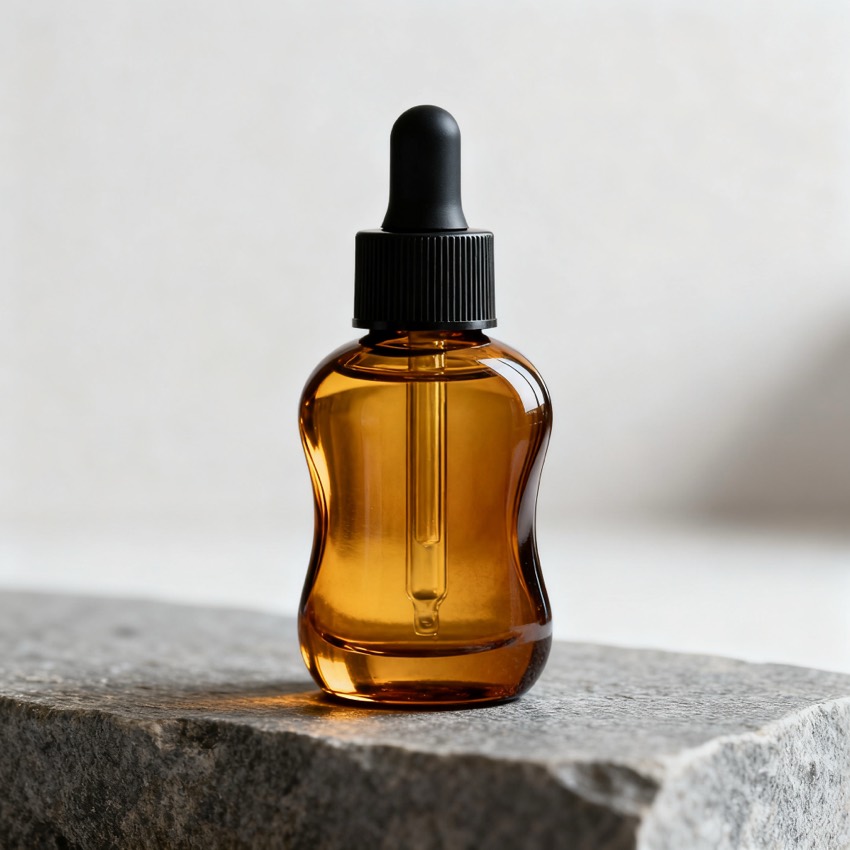
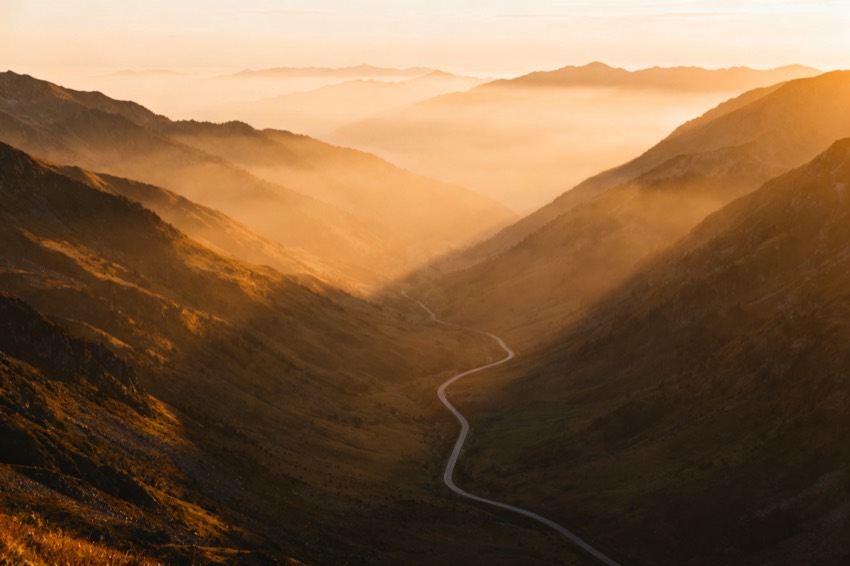
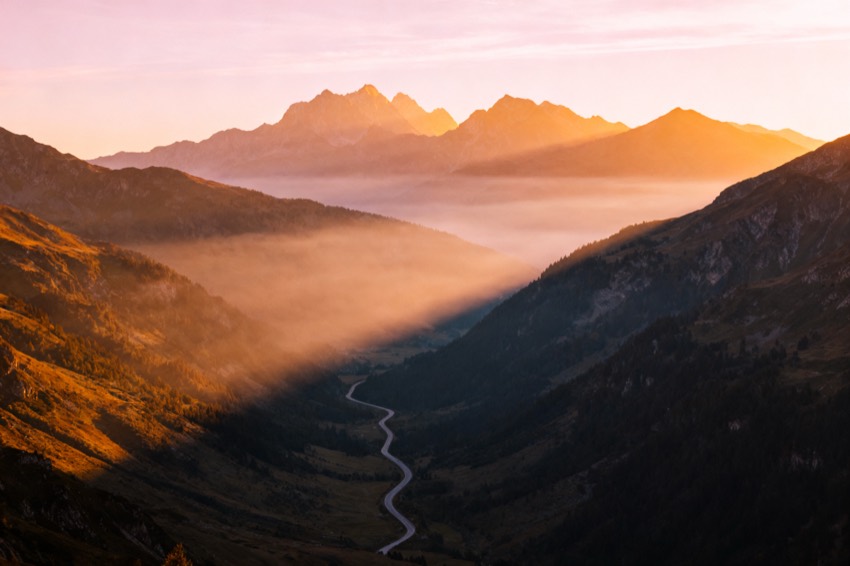
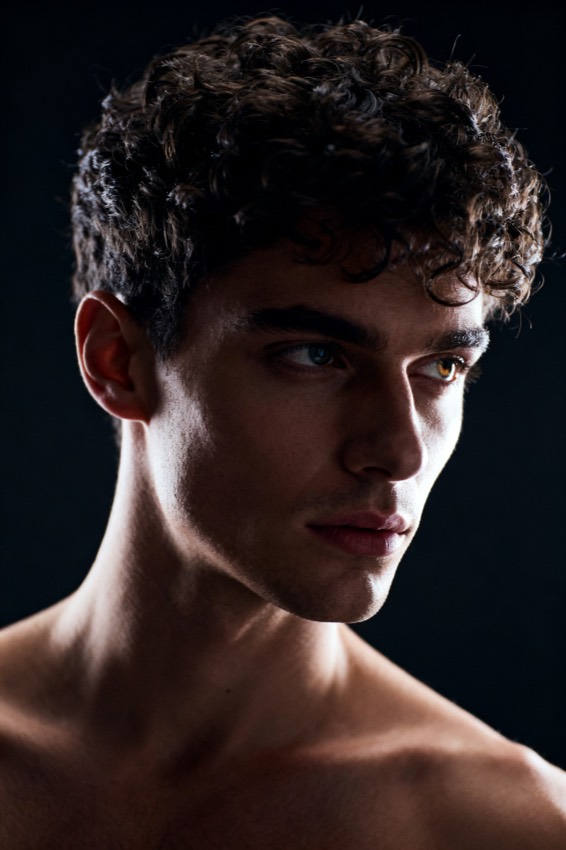
Prompt library
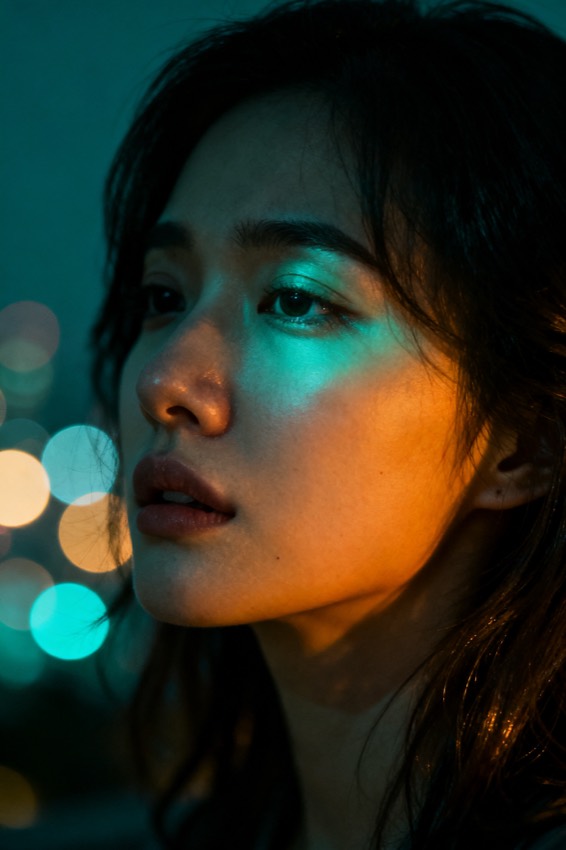
Steal from a gallery of working prompts.
Browse by look, model and subject. Tap any image to load its prompt into the workbench.
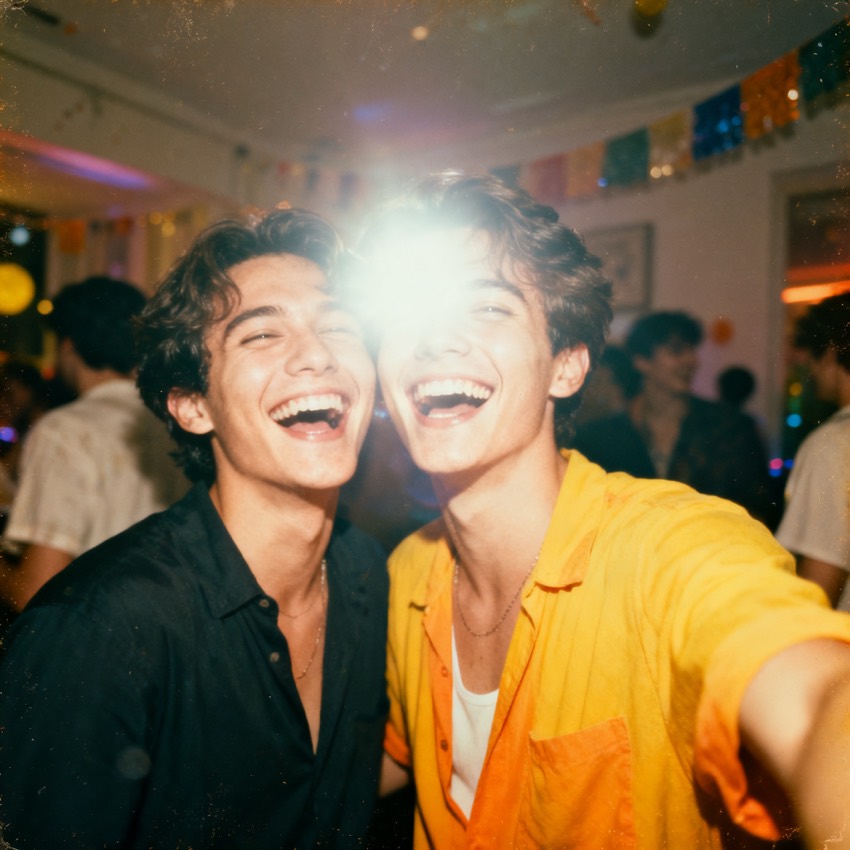
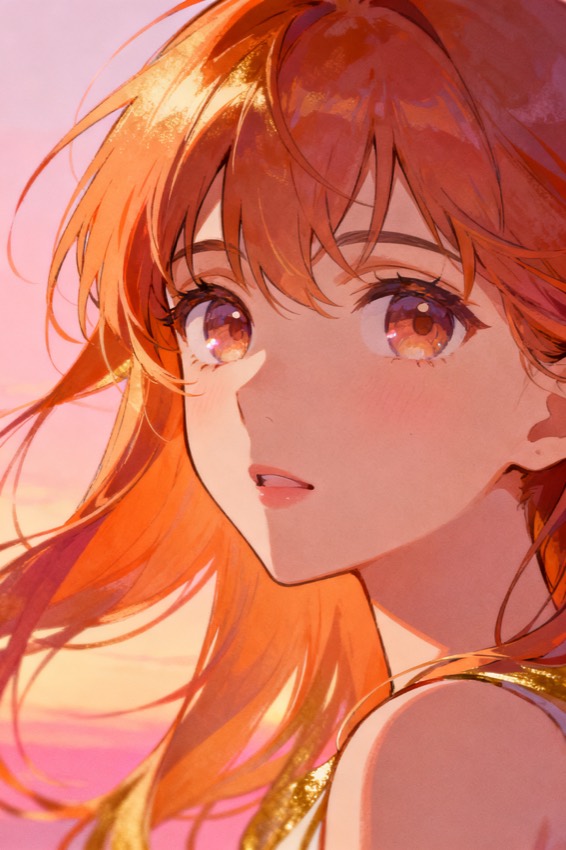
From image to Gemini prompt
What a Nano Banana prompt generator does
It reads your image and writes a Gemini-style instruction — phrased as what you want done or made, which is how this model is designed to be talked to.
Google's image model — the one widely known as Nano Banana — is built around conversation and around editing an image you supply, not only around generating from a blank start. That changes what a good prompt looks like. Instead of a dense block of attributes, it wants an instruction: keep this, change that, place the subject here, light it like this. It also accepts more than one input image, so a reference and a subject can be combined in a single request. Upload your reference on this page and the analysis is written back in that instruction voice, with the subject, scene, lighting and finish stated as things to produce rather than as tags to match. Edit any field, copy the result, and continue refining it conversationally in Gemini — which is where this model does its best work.
Gemini specifics
How a Nano Banana prompt is shaped
It reads much more like a request to a person than a prompt to a renderer.
- Instruction voice
- The prompt is phrased as a request — what to depict, how to frame it, how to light it — rather than as a list of attributes, matching how the model is trained to be addressed.
- Built for editing an existing image
- Because this model edits images you give it, the prompt is written so it works both ways: as a request for a new image, and as an instruction applied to the picture you just uploaded.
- Saying what must not change
- In an edit, the important half of the instruction is what stays. The generated prompt names the elements to preserve, not only the ones to alter — the part people most often leave out.
- Meant to be followed up
- This is a starting instruction, not a one-shot incantation. The model expects a conversation, so the prompt is written to be adjusted in the next message rather than perfected in the first.
- Generated images carry provenance marks
- Images from Google's image models are watermarked for provenance. It does not affect prompting, but it is worth knowing before you use the output commercially.
Other models
Prompting a different model?
One upload, every format. If you are working in Midjourney, Flux and ChatGPT the instruction voice would be the wrong register — those pages give you the phrasing each expects. The home page shows every version from a single analysis.
Nano Banana questions
Gemini and Nano Banana prompt questions
- Is Nano Banana the same thing as Gemini's image model?
- Nano Banana is the name the community attached to Google's image generation and editing model inside Gemini. Prompts written for one are prompts written for the other — this page produces the instruction-style phrasing that model responds to.
- Can I use this to edit my own photo rather than make a new image?
- Yes, and that is where this model is strongest. Upload your photo here, take the generated instruction, and give it to Gemini together with the same photo. Then add the change you want — the instruction already states what should be preserved, which is what keeps an edit from redrawing the whole picture.
- How do I keep a character consistent across images?
- Supply the character image with every request rather than relying on description alone. Words cannot pin a face; a reference image can. Use the generated prompt for the scene, lighting and framing, and let the reference carry the identity.
- Do I need an account here?
- Not to read or copy the prompt. An account on this site is only needed to generate a recreation image here.