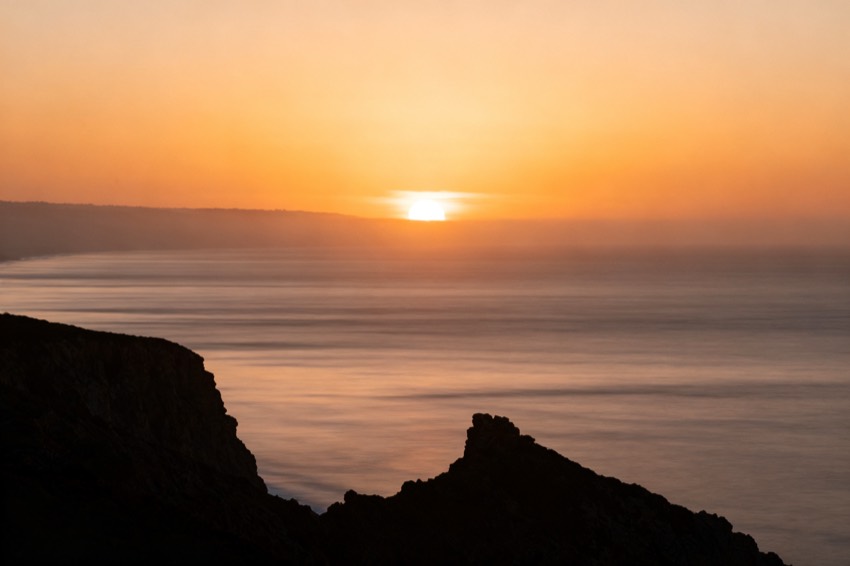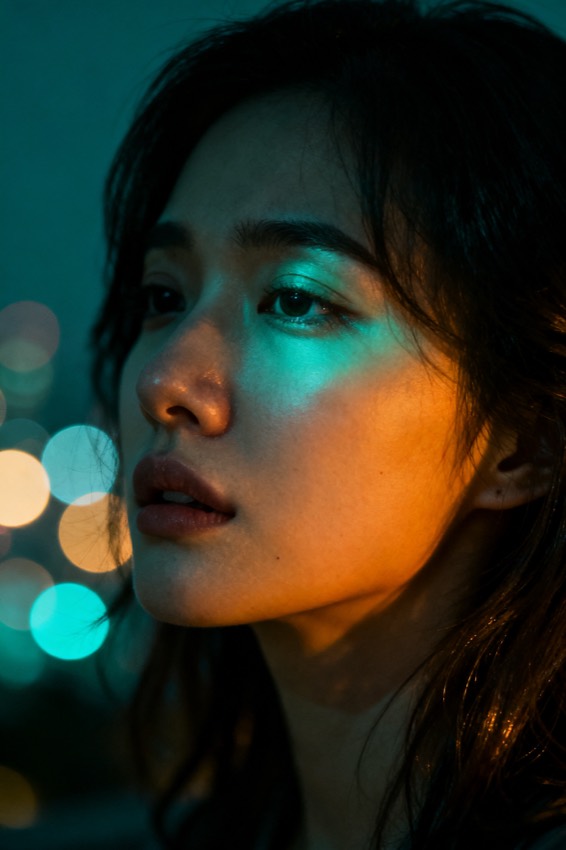
A cinematic waist-up portrait of the uploaded person, soft window light, muted earth tones, shallow depth of field, shot on an 85mm lens.
Subject
the uploaded person
Composition
waist-up, centered
Lighting
soft window light
Style
cinematic, muted earth tones
Camera
85mm, f/1.8
Negative
blur, extra fingers
Try it yourself
Get a prompt like this from your own photo
Upload your image and PixToPrompt writes a copy-paste prompt — then tweak it like the template below.
Free & instant — no sign-up to get prompts
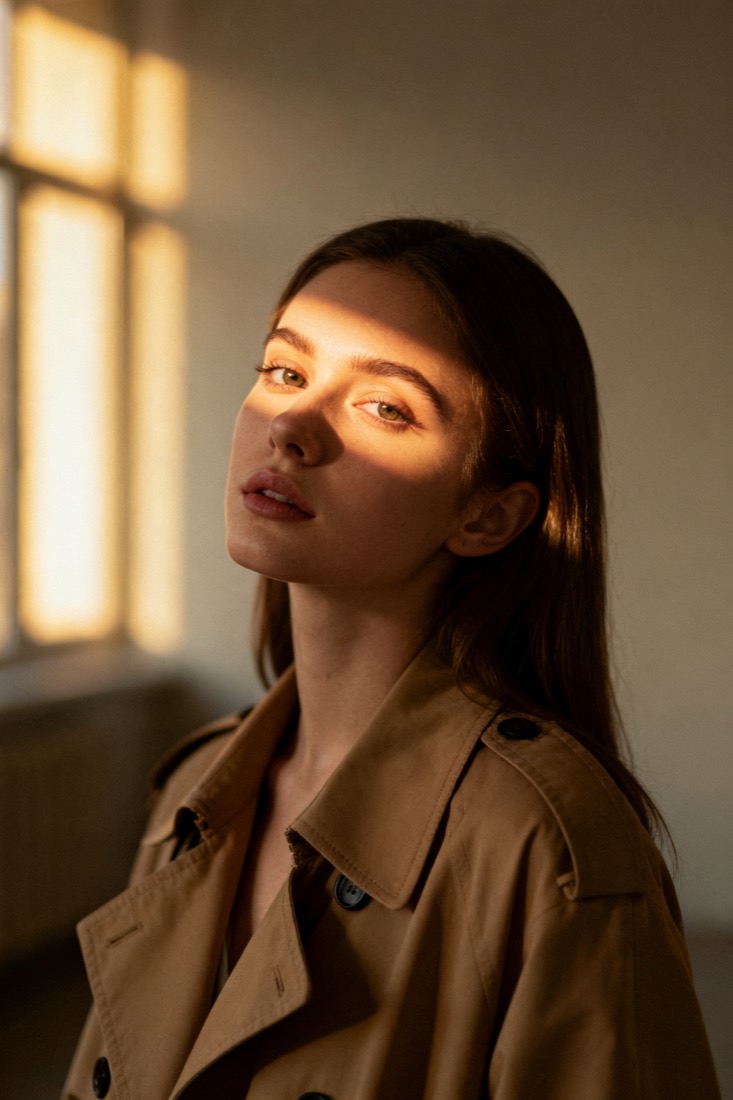
Your image
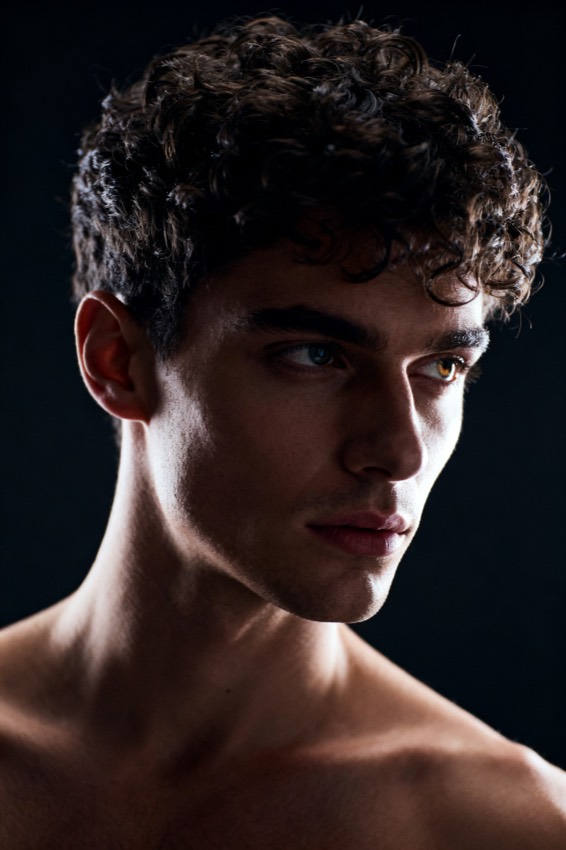
Or try one
A cinematic waist-up portrait of a young woman in a beige trench coat, lit by soft window light, muted earth tones, shallow depth of field, shot on an 85mm lens.
Subject
woman, beige trench coat
Composition
waist-up, centered
Lighting
soft window light
Style
cinematic, muted
Camera
85mm, f/1.8
Negative
blur, extra fingers
Copy this prompt for any model
The same look needs different wording per model — the fields are identical, only the formatting changes. Copy the version your tool actually reads:
A cinematic waist-up portrait of the uploaded person, soft window light, muted earth tones, shallow depth of field, shot on an 85mm lens.
the uploaded person, waist-up, centered, cinematic, muted earth tones, soft window light, 85mm, f/1.8 --ar 1:1 --style raw --v 6
the uploaded person, waist-up, centered, cinematic, muted earth tones, soft window light, 85mm, f/1.8, highly detailed
Negative prompt: blur, extra fingers
About this look
The cinematic portrait look is built on three levers: soft window light for a gentle, directional key, an 85mm f/1.8 lens for flattering compression and creamy bokeh, and a muted earth-tone grade that gives it the restrained, filmic mood. The prompt names all of them explicitly, which is why it reads as cinematic rather than just well-lit. Waist-up, centered framing keeps the subject grounded and the shallow depth of field separates them cleanly from the background. The negatives — blur, extra fingers — clean up the usual portrait failure modes. Tip: feed it a sharp, evenly lit source photo; the muted grade and soft light land best when the input isn't already heavily filtered or backlit.
Why this prompt works
Cinematic is a look you can build from three concrete dials, and the prompt names all three. Soft window light gives a single, gentle, directional key — the flattering, slightly moody quality of natural light through glass, not a flat on-camera flash. The 85mm f/1.8 lens does two jobs at once: 85mm compresses features for a natural, attractive face, and f/1.8 melts the background into creamy bokeh that separates the subject. The muted earth-tone grade — desaturated, warm-leaning, restrained — is what film colour science looks like, and it's the difference between a photo and a frame from a film. Waist-up, centered framing keeps proportions honest, and the negatives clean up blur and the classic extra-fingers failure. Skip any one of the three dials and the model defaults to a flat, evenly lit snapshot, which is exactly why they are spelled out rather than implied.
The ideal source photo
Use a sharp, evenly lit photo that isn't already heavily filtered or strongly backlit. The muted grade and soft key land best on a clean source where the face is clear and front-on. Avoid hard direct sun, deep shadows, or a busy background that competes with the shallow depth of field. Soft daylight and a simple backdrop give the model the most room to apply the cinematic look.
How to use this prompt
- 1Feed it a sharp, evenly lit source that isn't already heavily filtered or backlit.
- 2Copy or load the prompt and keep the 85mm, f/1.8 and muted earth-tone grade.
- 3Generate with Midjourney or Flux (or an editing model for likeness) and check the shallow depth of field.
What to expect
Expect a filmic, waist-up portrait: soft directional light, a creamy out-of-focus background, and a restrained, warm-muted grade — a frame from a film, not a snapshot. You should stay recognisable with natural proportions. The grade and bokeh shift between runs, so generate two or three and choose the most flattering; that beats over-stylising a single result past the point of looking real.
Tips for a sharper result
- Don't skip the lens and grade — without 85mm / f/1.8 / muted tones it looks like a flat snapshot.
- Keep the waist-up framing so proportions stay natural and flattering.
- For a true likeness, restyle your photo with an editing model rather than generating a new face.
Common mistakes
- Flat snapshot lookkeep all three dials: 85mm, f/1.8 and the muted earth-tone grade.
- Distracting backgroundlean on the shallow depth of field and start from a simpler source.
- Face proportions feel offkeep the waist-up, 85mm framing rather than a wide selfie.
Variations to try
- Swap the muted earth tones for a cool teal-and-orange blockbuster grade or a moody low-key look.
- Move the window light to hard side-light for a more dramatic, high-contrast portrait.
- Change the lens to 35mm for an environmental portrait that shows more of the setting.