ChatGPT image prompt generator · free
ChatGPT image prompt generator
Paste this into ChatGPT and it draws what you meant. Upload a reference image and get a prompt written for a model that rewrites your words.
Free & instant — no sign-up to get prompts
The workbench
Upload once. Get every model's version.
One analysis, formatted for the model you actually use — copy it, or generate the image right here.
Your image
Or try one
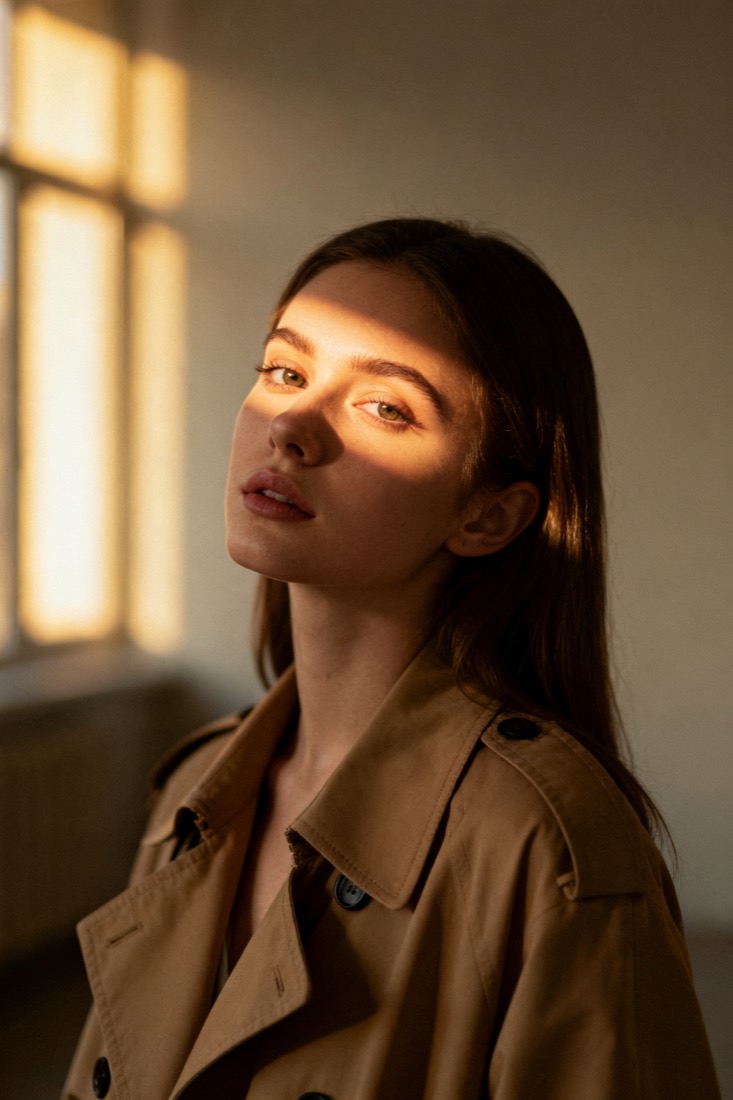
Generate a cinematic waist-up portrait of a woman in a beige trench coat with soft window light, muted earth tones and a shallow depth of field (85mm look).
Subject
woman, beige trench coat
Composition
waist-up, centered
Lighting
soft window light
Style
cinematic, muted
Camera
85mm, f/1.8
Negative
blur, extra fingers
Proof
The prompt rebuilds your image.
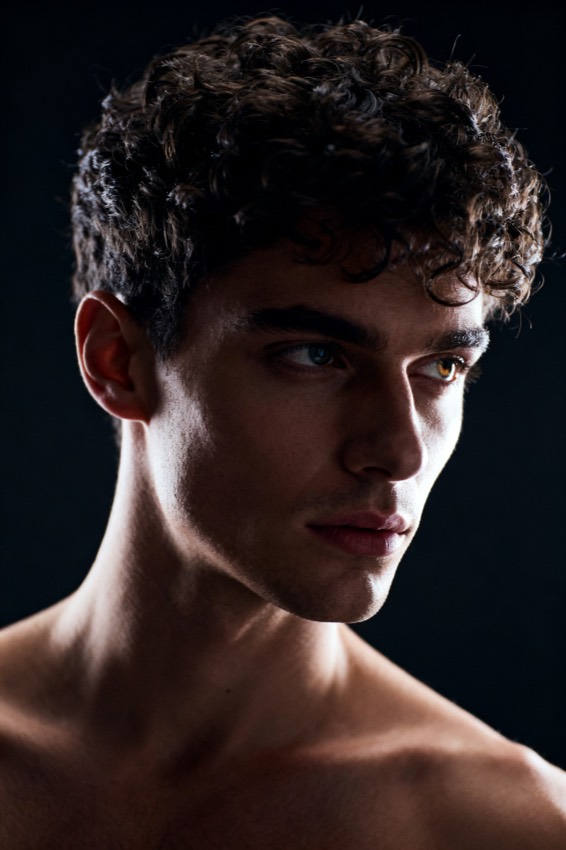
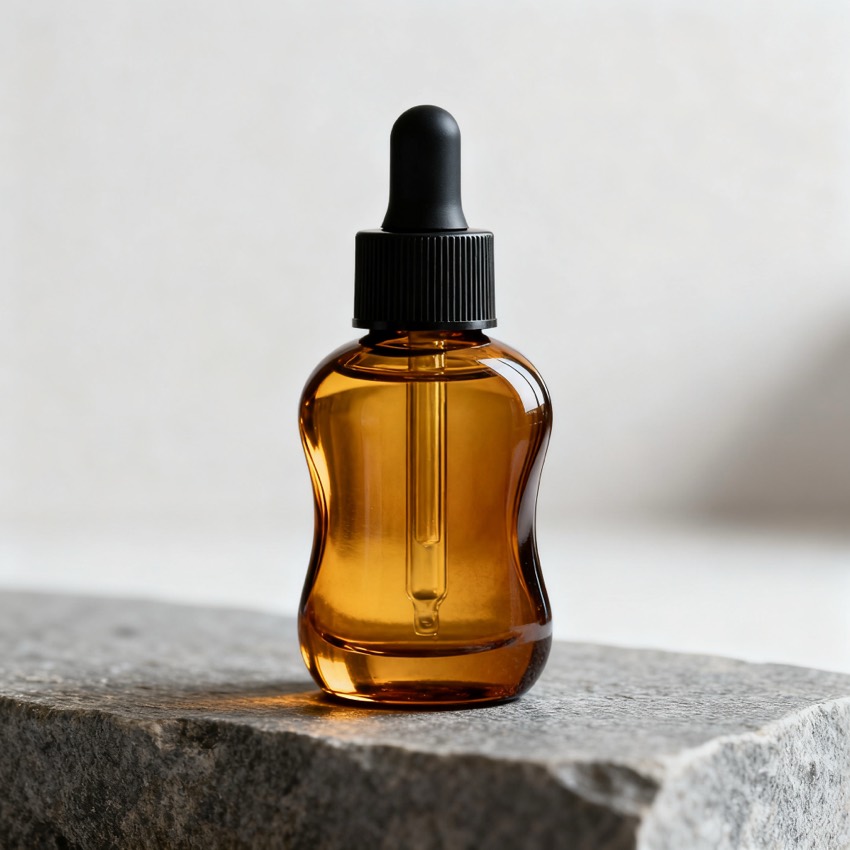
Every prompt comes with a recreation, side by side with your original — so you know it works before you use it.
Prompt library
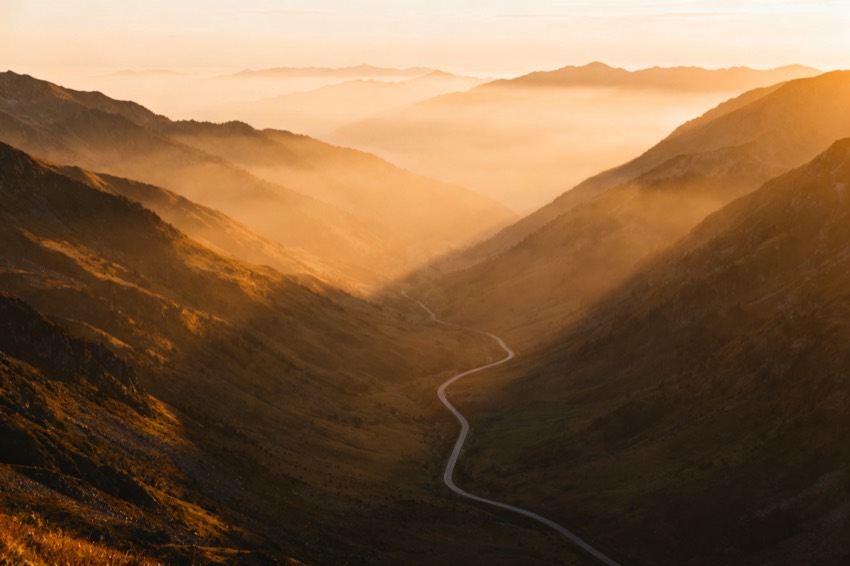
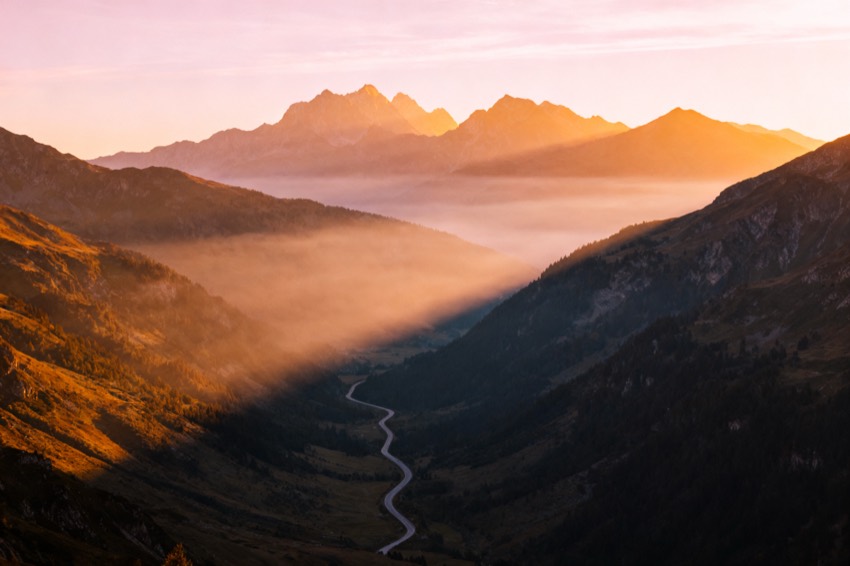
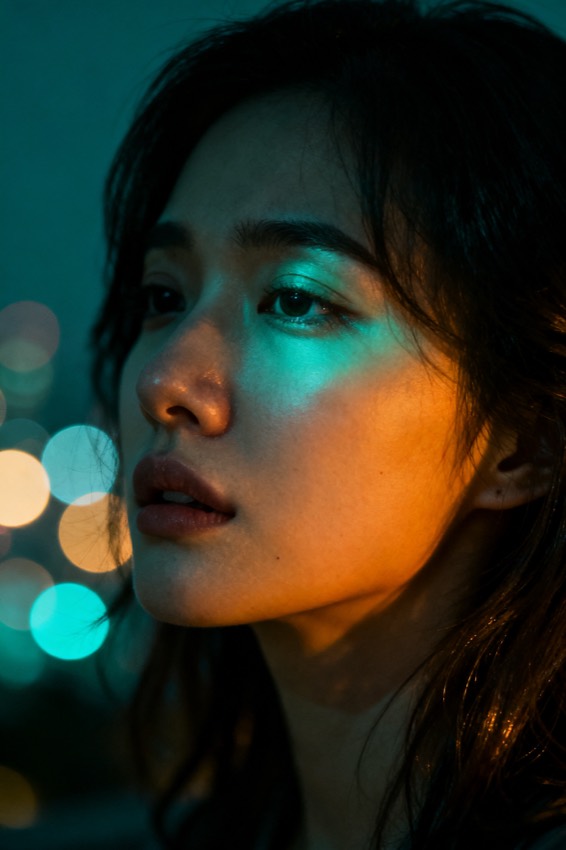
Steal from a gallery of working prompts.
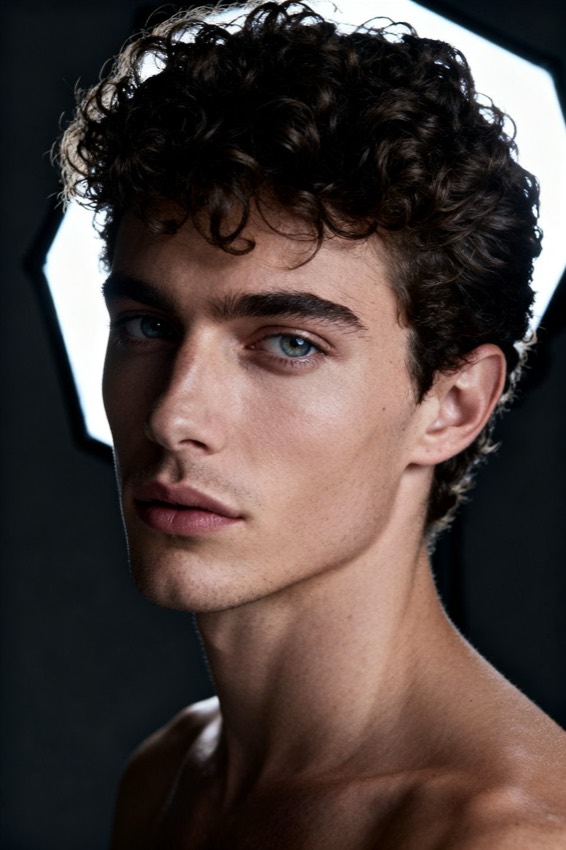
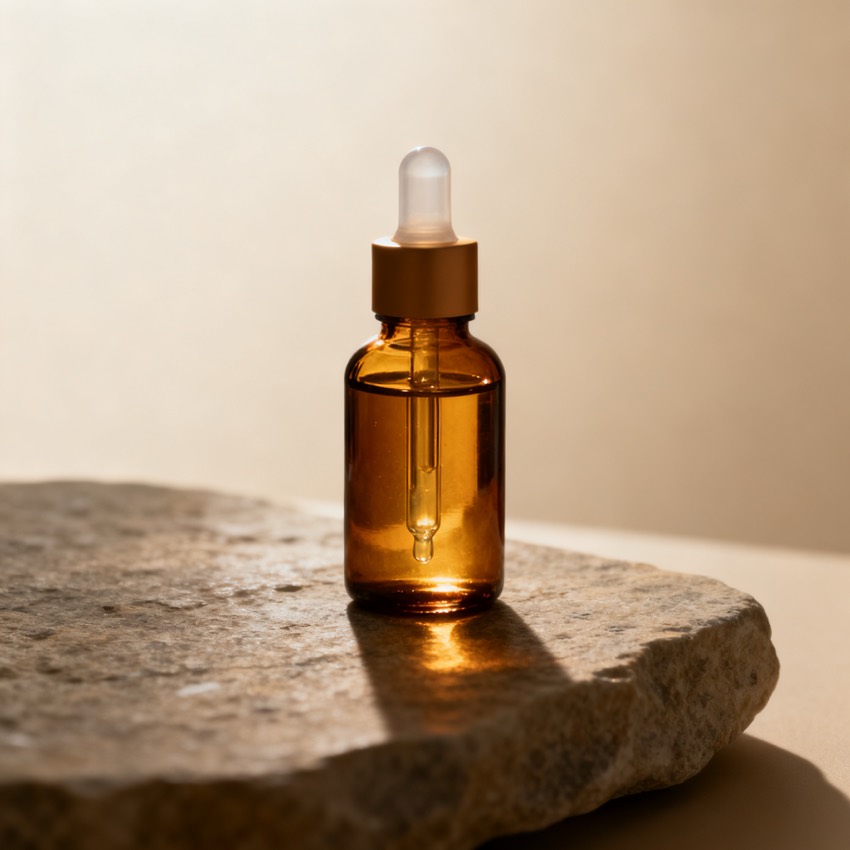
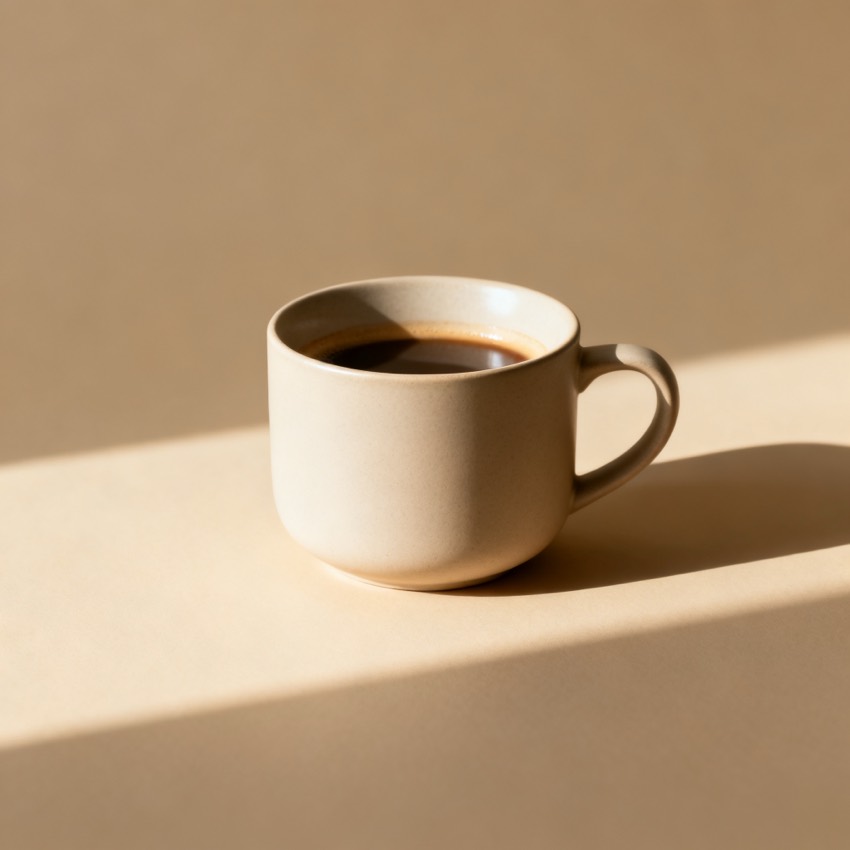
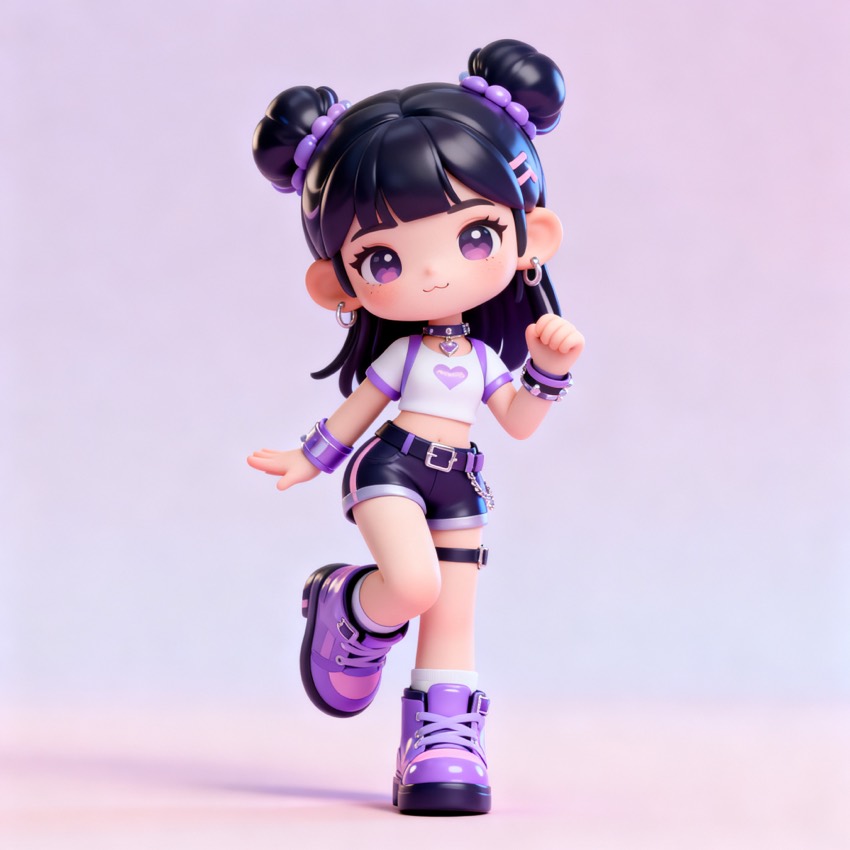
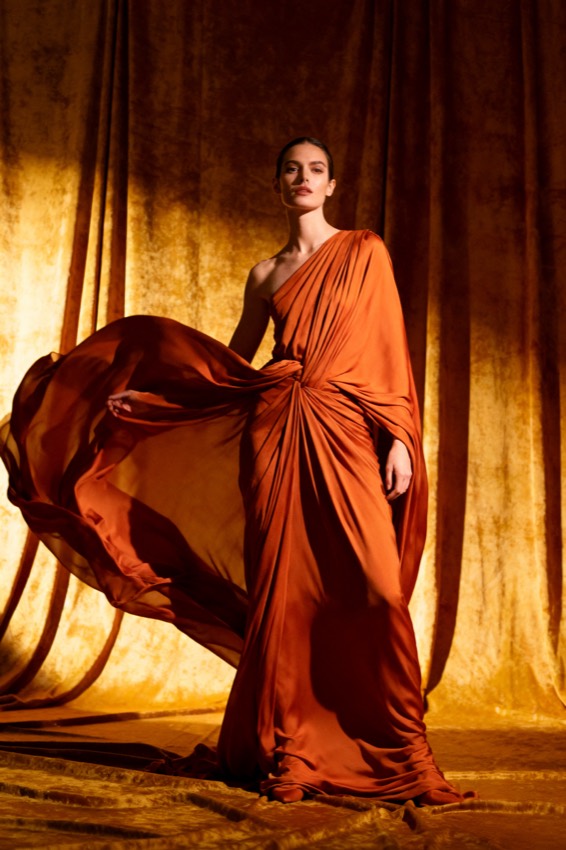
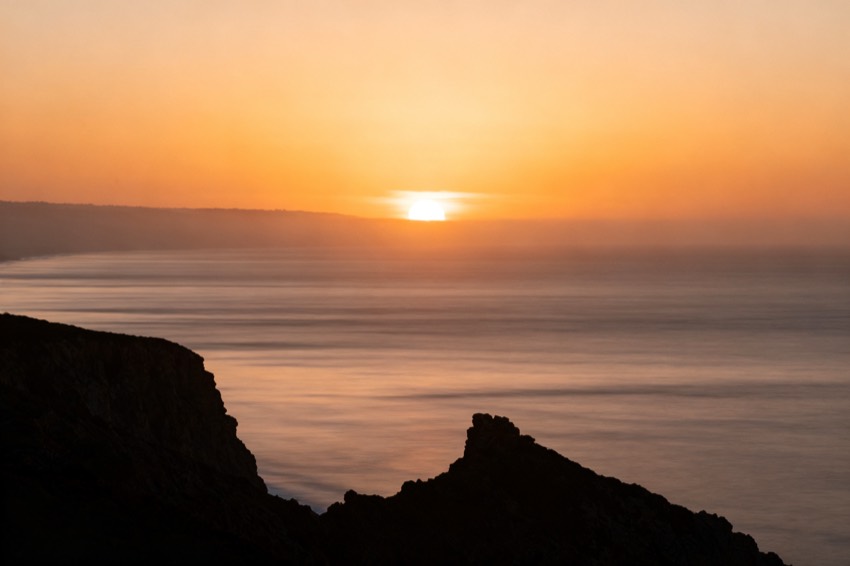
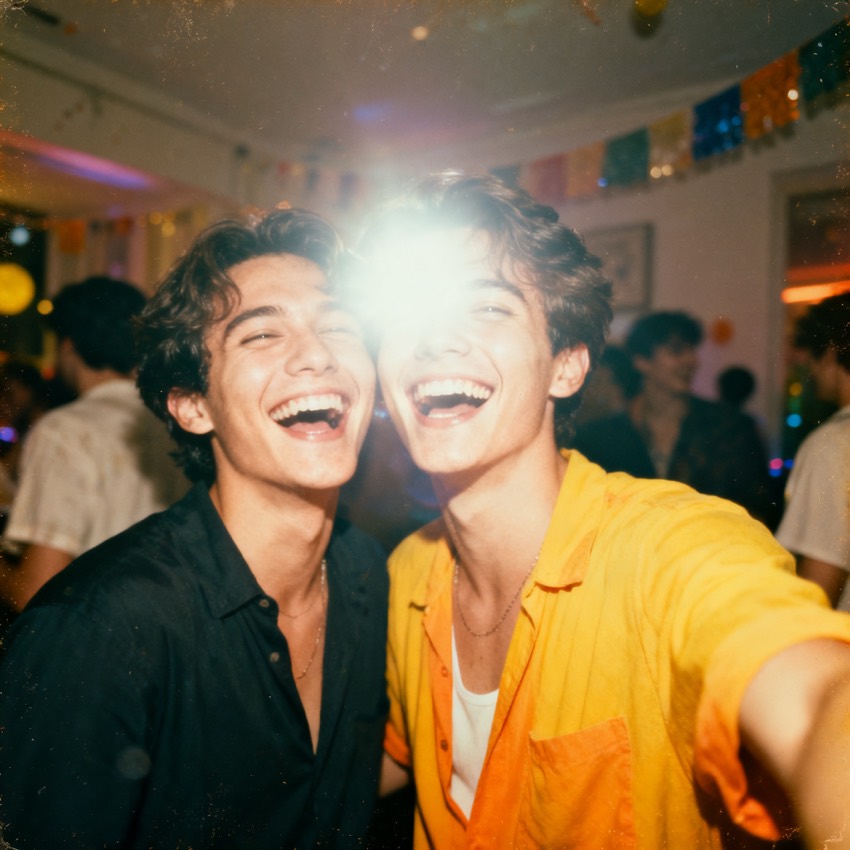
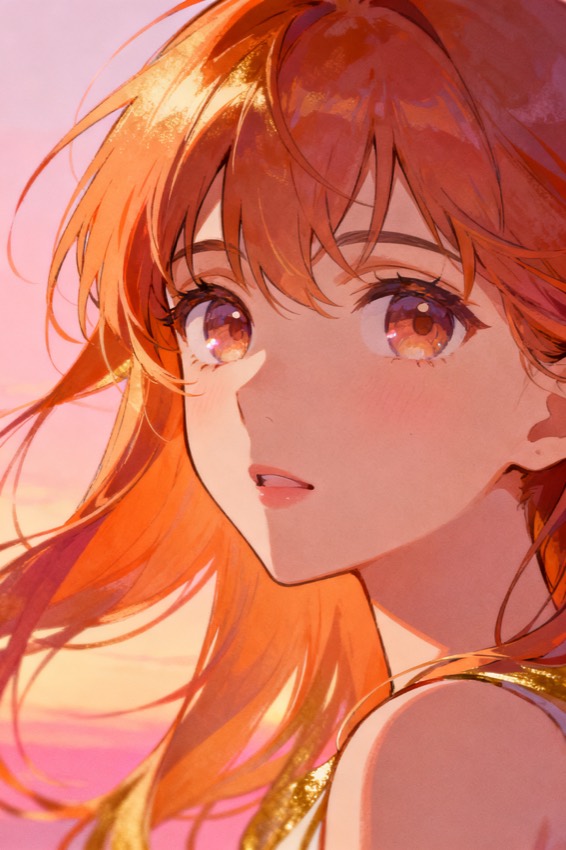
Browse by look, model and subject. Tap any image to load its prompt into the workbench.
From image to ChatGPT prompt
What a ChatGPT image prompt generator does
It turns a reference image into a prompt written for a chat model — plain instruction, specific enough that the rewrite in between cannot drift far from what you meant.
Asking ChatGPT for an image is not the same as filling a prompt box. You are talking to a model that interprets your request, often expands it, and then renders — and the gap between what you typed and what it rendered is where most of the frustration lives. The fix is not clever syntax; it is specificity, and stating the things people usually assume: how the subject is framed, where the light comes from, what the colour treatment is, what finish you want. Upload your reference here and you get exactly that, in one paste-ready instruction. Because it is a conversation, you can also keep going: change one attribute per message and ask for that change only, which holds the rest of the image steady far better than re-sending an edited prompt from scratch.
ChatGPT specifics
Prompting inside a conversation
The medium changes the prompt as much as the model does.
- Plain language, no syntax
- No parameter flags, no weighting brackets. Anything that looks like syntax is read as part of your request, so the prompt is written as something you would actually say.
- Specific where the rewrite would guess
- Framing, light direction, palette and finish are all stated, because those are precisely the attributes that get invented when you leave them out.
- Change one thing per message
- Follow-ups hold the image steadier than a rewritten prompt. Ask for a single change and the rest of the scene usually survives; re-paste a whole new prompt and you get a new picture.
- Attach the reference too
- You can give ChatGPT the image alongside this prompt. The words carry the intent, the reference carries what words cannot — and together they land much closer than either alone.
Other models
Taking it somewhere else?
The same upload is rewritten per model. For DALL·E, Midjourney and Stable Diffusion the differences are real — parameters, tag weighting and prompt length all change the outcome. Compare every version from the home page.
ChatGPT questions
ChatGPT image prompt questions
- Why does ChatGPT not draw exactly what I described?
- Your request is interpreted and usually expanded before anything is rendered, so every attribute you left unstated is filled in for you. The cure is specificity rather than longer prompts: name the framing, the light, the palette and the finish. The prompt generated here states all four.
- How do I change one thing without losing the rest?
- Reply in the same conversation and ask for that one change. Re-pasting a whole modified prompt starts over and gives you a different picture; a follow-up usually keeps the composition and only moves what you asked about.
- Can I just upload my reference to ChatGPT directly?
- You can, and it helps — but the model will describe what it sees in its own terms, which is not the same as a prompt tuned for rendering. Use both: the reference for what words cannot carry, and this prompt for the attributes you want stated explicitly.
- Is this page free?
- Yes. Uploading an image and copying the prompt needs no account. Sign-in is only for generating a recreation image here.