Prompt library
AI image prompts to copy, paste & remix
Every prompt here is copy-paste ready and reverse-engineered from a real image. Open one to see the picture it rebuilds, grab the exact wording, then load it into the tool to swap the subject, switch models, or retune the lighting. Copying is free, no sign-up.
Image → prompt
Get the prompt behind your own image
Upload any image to reverse-engineer its prompt, or copy a ready-made template below.
Free & instant — no sign-up to get prompts
Your image
Or try one
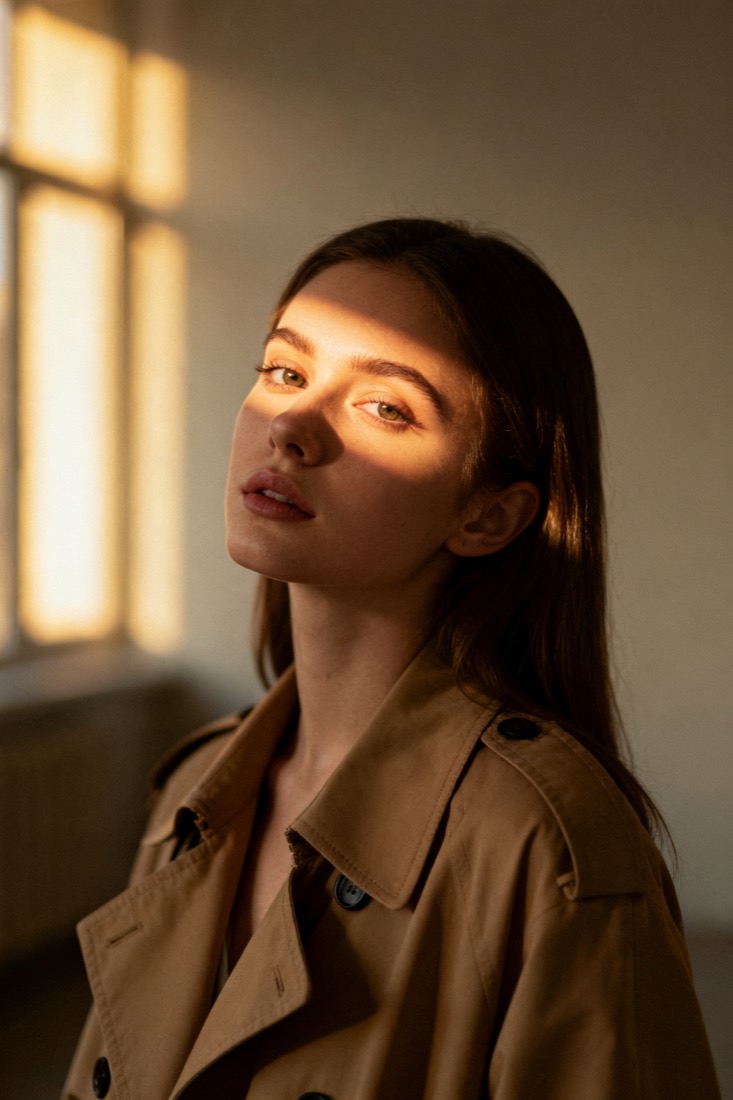
A cinematic waist-up portrait of a young woman in a beige trench coat, lit by soft window light, muted earth tones, shallow depth of field, shot on an 85mm lens.
Subject
woman, beige trench coat
Composition
waist-up, centered
Lighting
soft window light
Style
cinematic, muted
Camera
85mm, f/1.8
Negative
blur, extra fingers
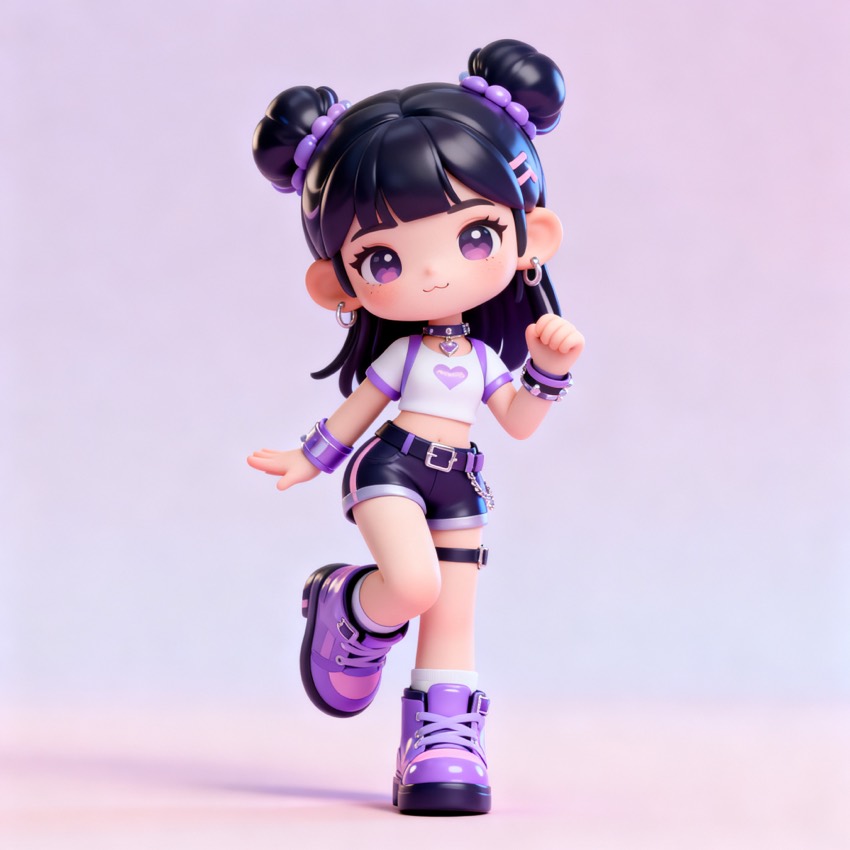 Nano Banana 3D figurine promptstyle
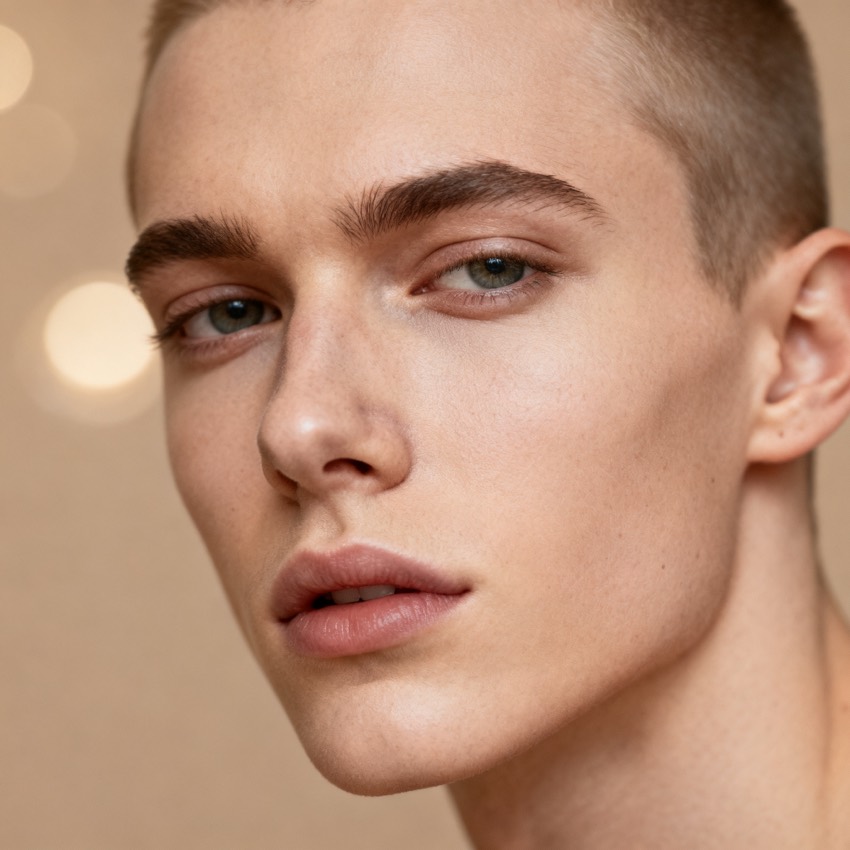 Gender swap filter promptstyle
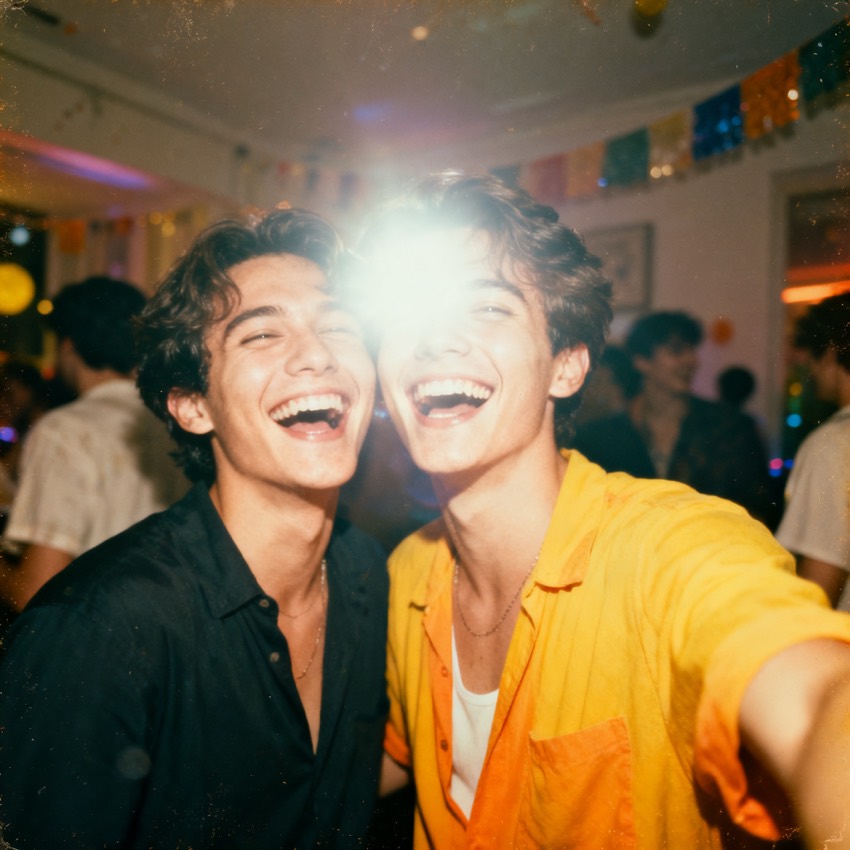 Retro couple portrait promptpersona
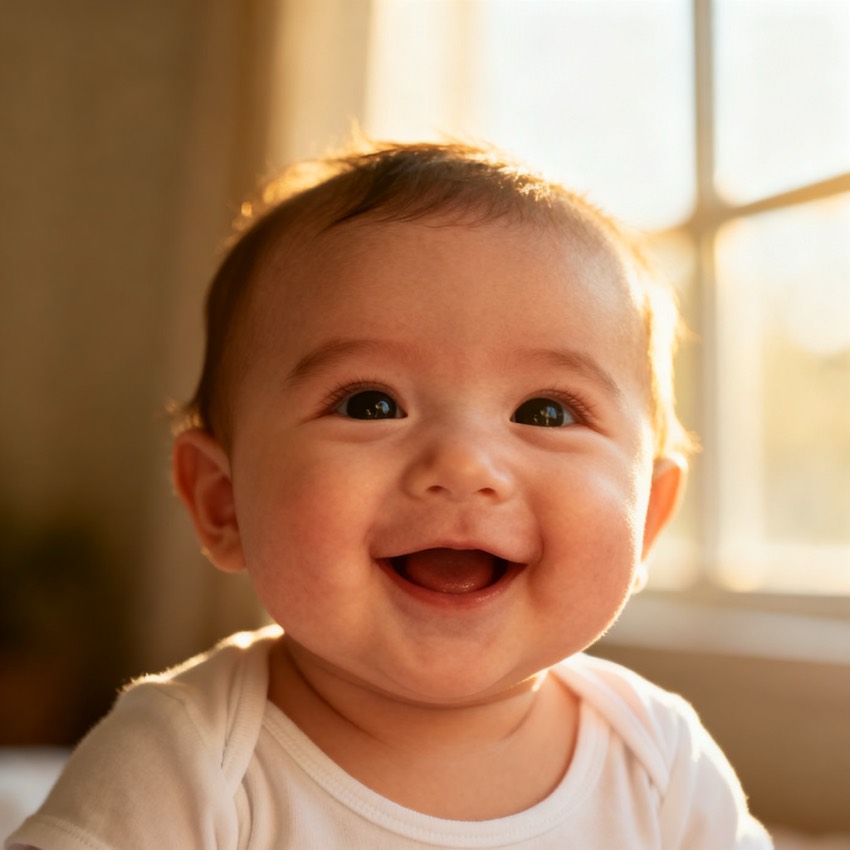 AI baby face promptpersona
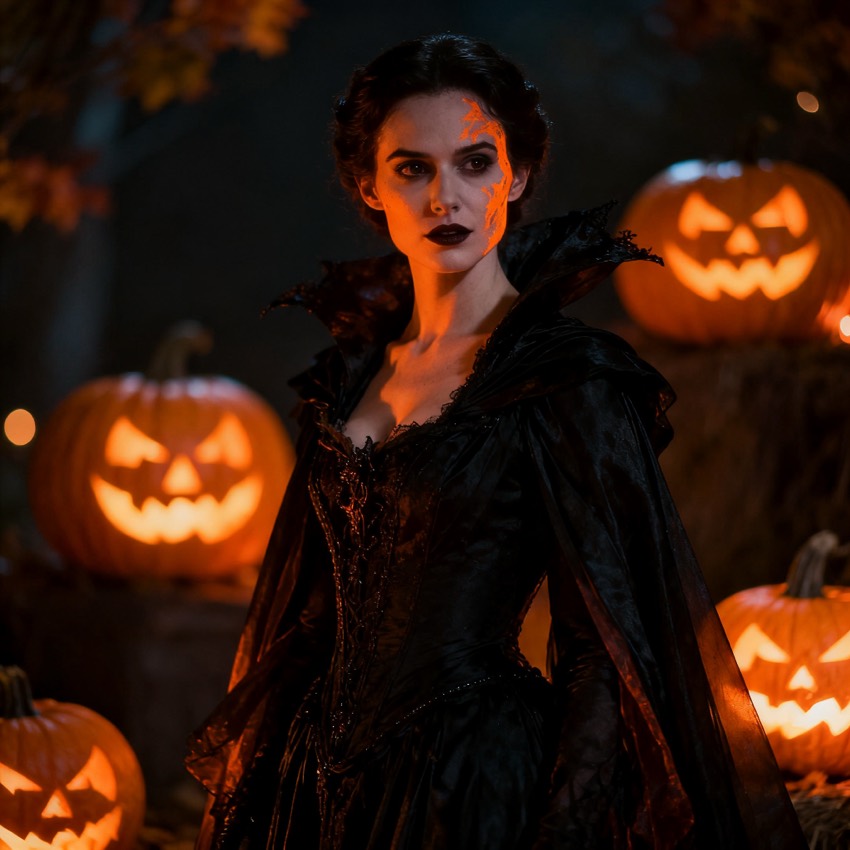 Halloween Gemini photo promptuse-case
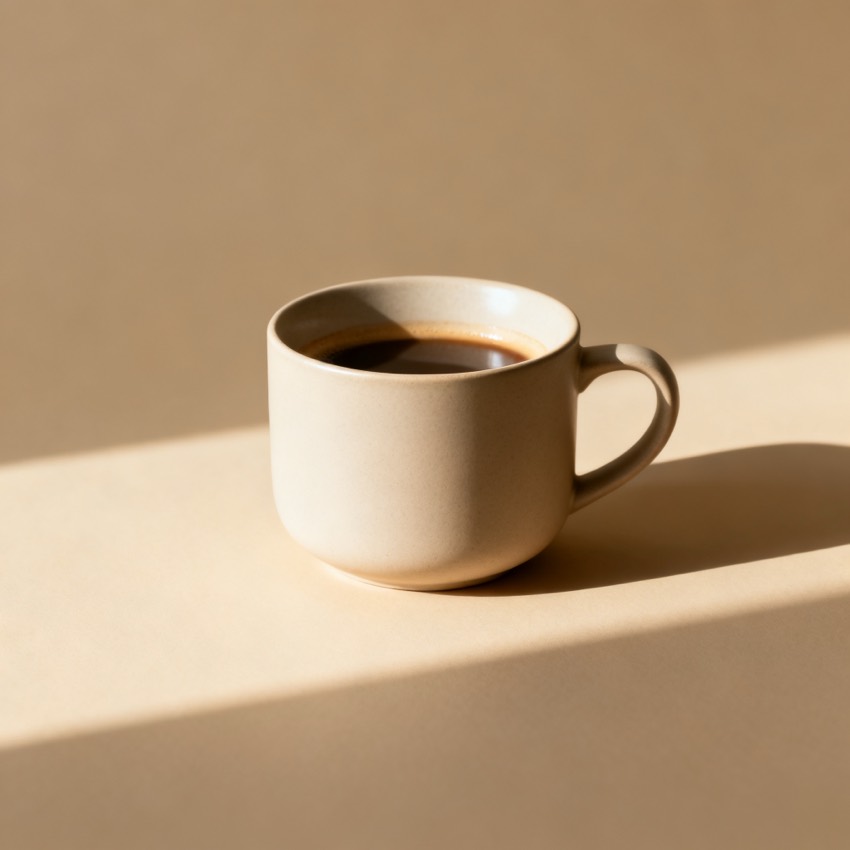 Studio product shot promptuse-case
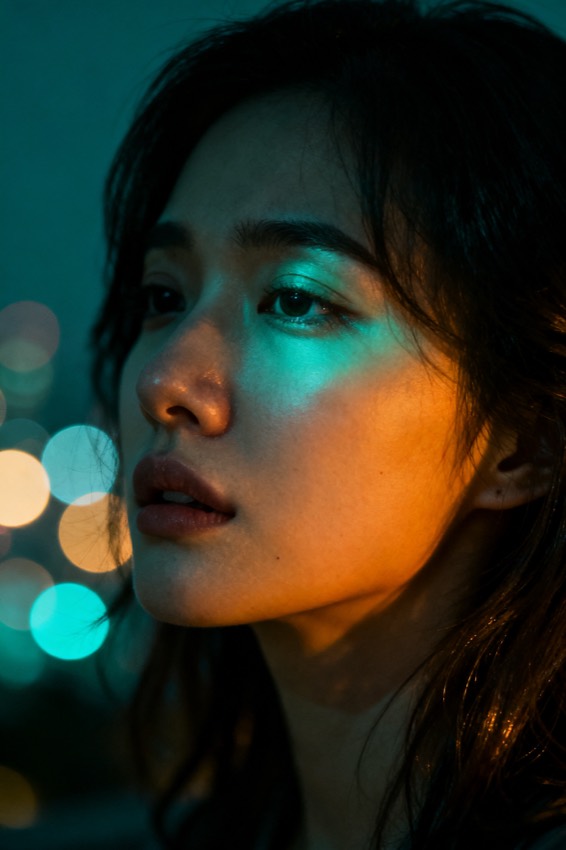 Cinematic portrait promptreverse
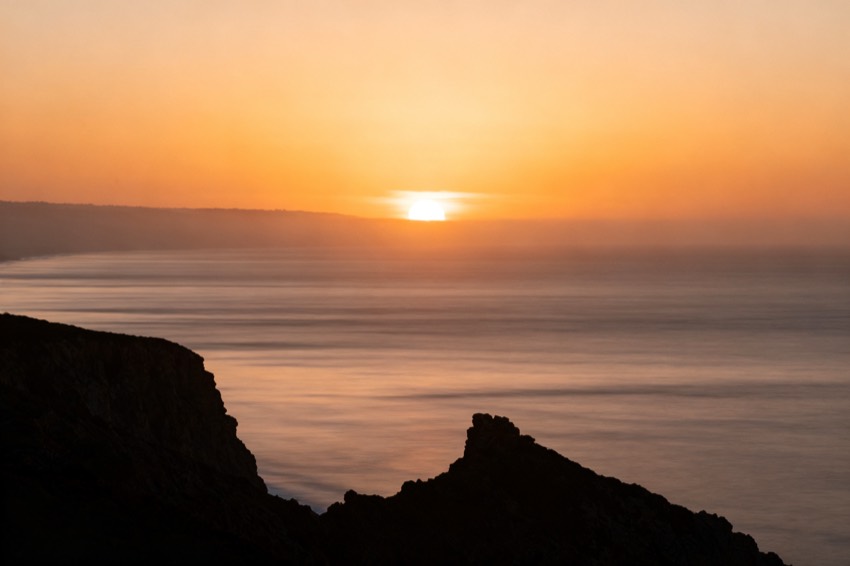 Golden hour landscape promptreverse
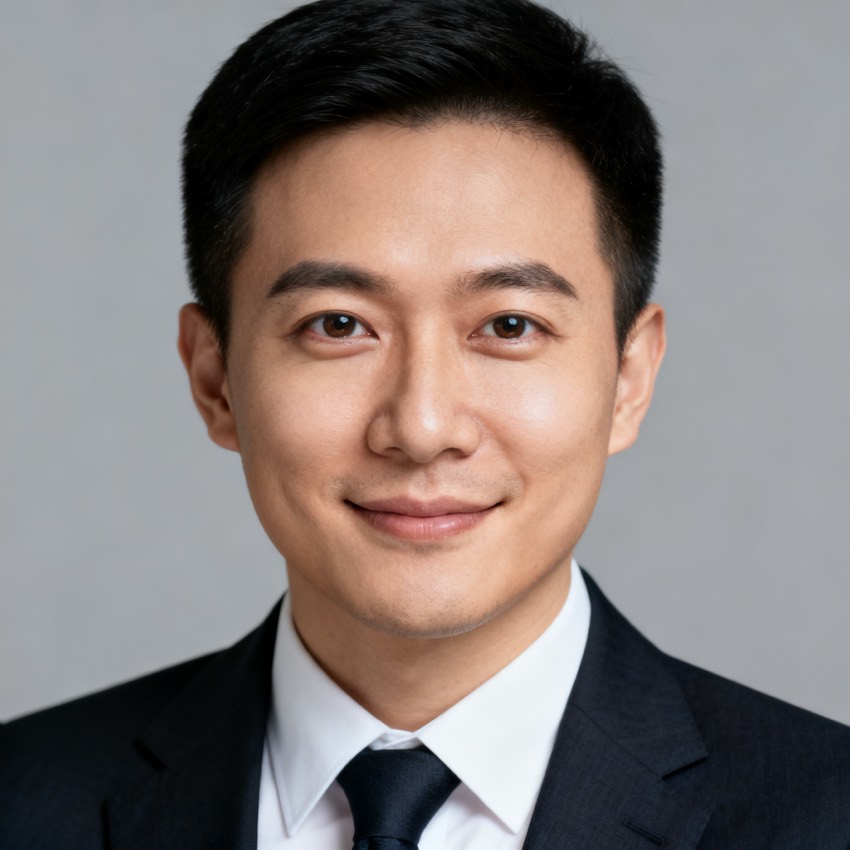 LinkedIn headshot promptuse-case
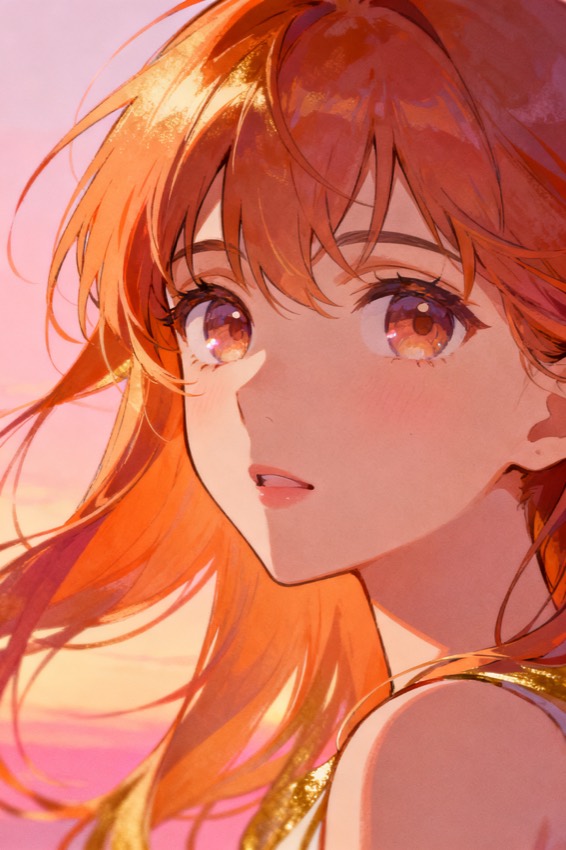 Anime style portrait promptstyle
Browse AI image prompts by use case
Pick the job you are doing — each template is tuned for one look, not a generic “make it pretty” string.
- Portrait & headshot prompts — cinematic portraits, LinkedIn headshots and retro couple shots, with the lens and lighting baked in.
- Product & studio prompts — seamless-backdrop packshots and studio product shots for clean e-commerce listings.
- Stylized & 3D prompts — Nano-Banana 3D figurines and anime portraits with the render and shading spelled out.
- Seasonal & viral prompts — Halloween Gemini edits, gender-swap and AI baby-face looks people actually search for.
Prompts for Midjourney, Flux, Gemini, SD & DALL·E
The same look needs different wording per model, so every template ships all formats — copy the one your tool actually reads:
- Midjourney — appends --ar, --style raw, --v and stylize weights for /imagine.
- Flux & DALL·E — natural-language, detail-rich phrasing.
- Stable Diffusion — weighted tags plus a separate negative-prompt block.
- Gemini / Nano Banana — instruction-style edit prompts that keep faces and products consistent.
What is an AI image prompt library?
It is a curated set of working text-to-image prompts you reuse instead of writing from scratch. Unlike a random prompt dump, each entry breaks the picture into the eight levers a prompt engineer controls — subject, composition, lighting, colour palette, camera and lens, art style, mood and the negatives to avoid — so you can see why a look works, then change one lever at a time.
How to use these prompts
- Pick a template that matches the look you want.
- Copy the prompt, or open it and load it into the tool to edit the fields live.
- Swap the subject, switch the model tab, then generate to verify before you rely on it.