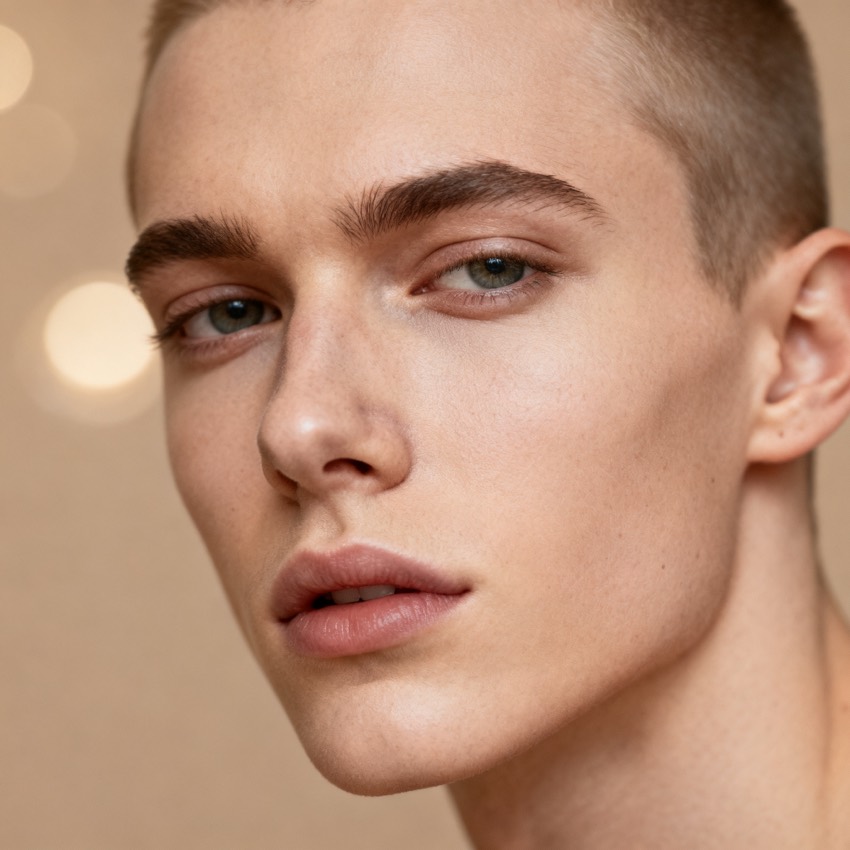
Edit this photo to swap the person's gender while keeping the same pose, expression, lighting and background. Photorealistic, natural skin texture, preserve identity cues.
Subject
the uploaded person, gender-swapped
Composition
head and shoulders, same pose
Lighting
match the original photo
Style
photorealistic, natural
Camera
same framing as source
Negative
distorted features, artifacts
Try it yourself
Get a prompt like this from your own photo
Upload your image and PixToPrompt writes a copy-paste prompt — then tweak it like the template below.
Free & instant — no sign-up to get prompts
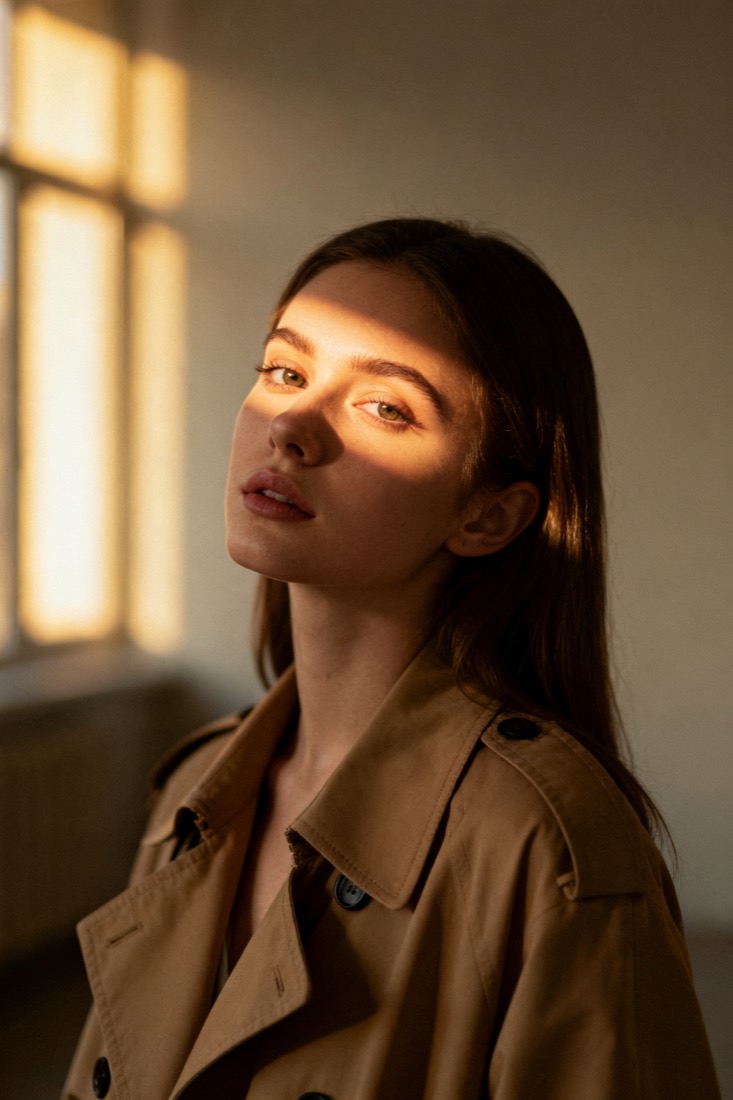
Your image
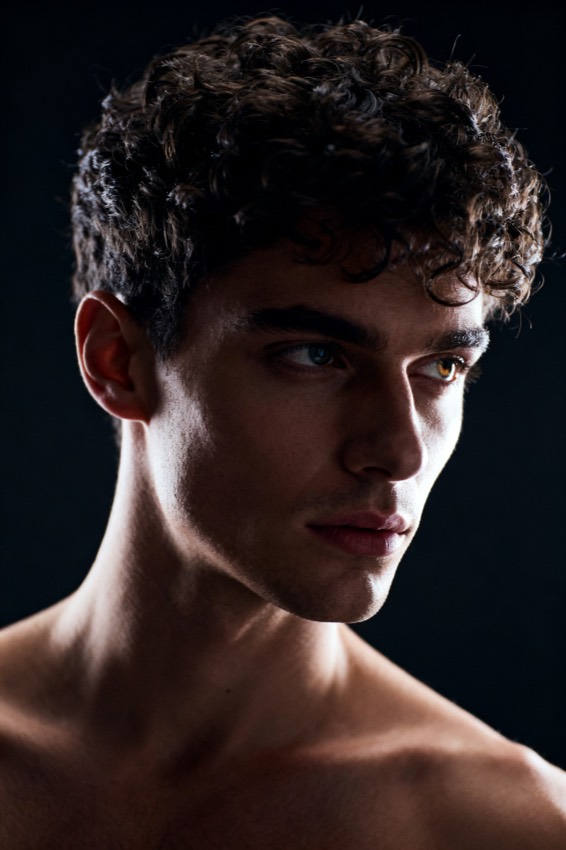
Or try one
A cinematic waist-up portrait of a young woman in a beige trench coat, lit by soft window light, muted earth tones, shallow depth of field, shot on an 85mm lens.
Subject
woman, beige trench coat
Composition
waist-up, centered
Lighting
soft window light
Style
cinematic, muted
Camera
85mm, f/1.8
Negative
blur, extra fingers
Copy this prompt for any model
The same look needs different wording per model — the fields are identical, only the formatting changes. Copy the version your tool actually reads:
Edit this photo to swap the person's gender while keeping the same pose, expression, lighting and background. Photorealistic, natural skin texture, preserve identity cues.
the uploaded person, gender-swapped, head and shoulders, same pose, photorealistic, natural, match the original photo, same framing as source --ar 1:1 --style raw --v 6
the uploaded person, gender-swapped, head and shoulders, same pose, photorealistic, natural, match the original photo, same framing as source, highly detailed
Negative prompt: distorted features, artifacts
About this look
A gender swap filter restyles a face to the opposite gender while holding everything else — pose, expression, lighting, and background — exactly where it was. The prompt leans on that constraint: by telling the model to keep the same pose, expression, lighting and background, you get a believable edit instead of a brand-new person. Photorealistic, natural skin texture keeps the result from going plastic, and preserve identity cues nudges the model to retain the bone structure and features that make the swap read as the same individual. Run it through an editing model rather than a from-scratch generator. Tip: a neutral, evenly lit head-and-shoulders photo swaps far more cleanly than a busy, heavily shadowed selfie.
Why this prompt works
A convincing swap is a constraint problem, not a generation problem. The prompt freezes pose, expression, lighting and background so the model only edits the face — that single restriction is why the result reads as the same photo with one thing changed, which is exactly how a real filter behaves. Photorealistic, natural skin texture blocks the plastic, over-smoothed look that gives AI edits away, keeping pores and micro-shadows intact. Preserve identity cues is the line that protects bone structure, eye spacing and jaw shape, so the swapped face still resolves to the same person rather than a generic stranger. Running it as an edit (Gemini / Nano Banana, ChatGPT) rather than a from-scratch render is essential: a generator rebuilds the whole scene and loses the original framing, while an editor keeps everything you told it to hold.
The ideal source photo
Use a clear, front-facing head-and-shoulders photo with even lighting and a neutral expression. The swap is an edit, so the cleaner and more frontal the source, the more faithfully the model keeps your pose, framing and identity. Steer clear of strong side-shadows, sunglasses, extreme angles, or heavy beauty filters — they hide the bone structure the model needs to carry the swap convincingly. A simple background and soft daylight give the most believable result.
How to use this prompt
- 1Upload a neutral, evenly lit head-and-shoulders photo — busy or shadowed selfies swap less cleanly.
- 2Copy or load the prompt, keeping the keep the same pose, expression and lighting clause intact.
- 3Run it through an editing model (Gemini / Nano Banana or ChatGPT) and confirm the background didn't shift.
What to expect
A good swap keeps your exact pose, framing, lighting and background and changes only the face, so it reads as the same photo, edited. Skin should look real rather than plastic, and the person should still feel like a believable relative of you. If the background or angle changes, that is a failed run — regenerate instead of accepting it, and compare a couple of outputs for the most natural read.
Tips for a sharper result
- Hold on to preserve identity cues so the swap still reads as the same person, not a stranger.
- Don't remove the keep the same pose and lighting line — that constraint is what makes it look like a filter.
- Front-facing sources beat three-quarter angles; the model carries over only the features it can clearly see.
Common mistakes
- Looks like a different personkeep preserve identity cues and start from a sharper, front-on photo.
- Background or pose changedyou lost the keep the same pose and lighting clause; add it back.
- Plastic, over-smoothed skinkeep photorealistic, natural skin texture in the prompt.
Variations to try
- Add subtle hairstyle and brow changes to make the swap more pronounced while keeping the same identity cues.
- Lock only the lighting and background, freeing the pose, when you want a new angle of the swapped face.
- Layer a soft film or studio grade on top once the swap lands to match a specific reference look.