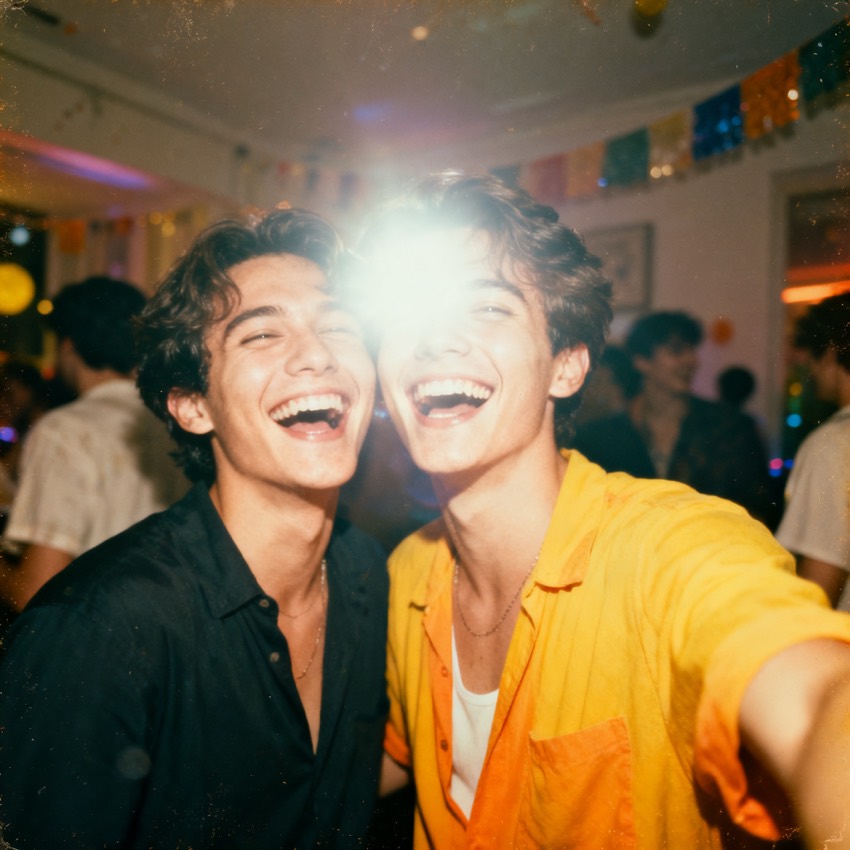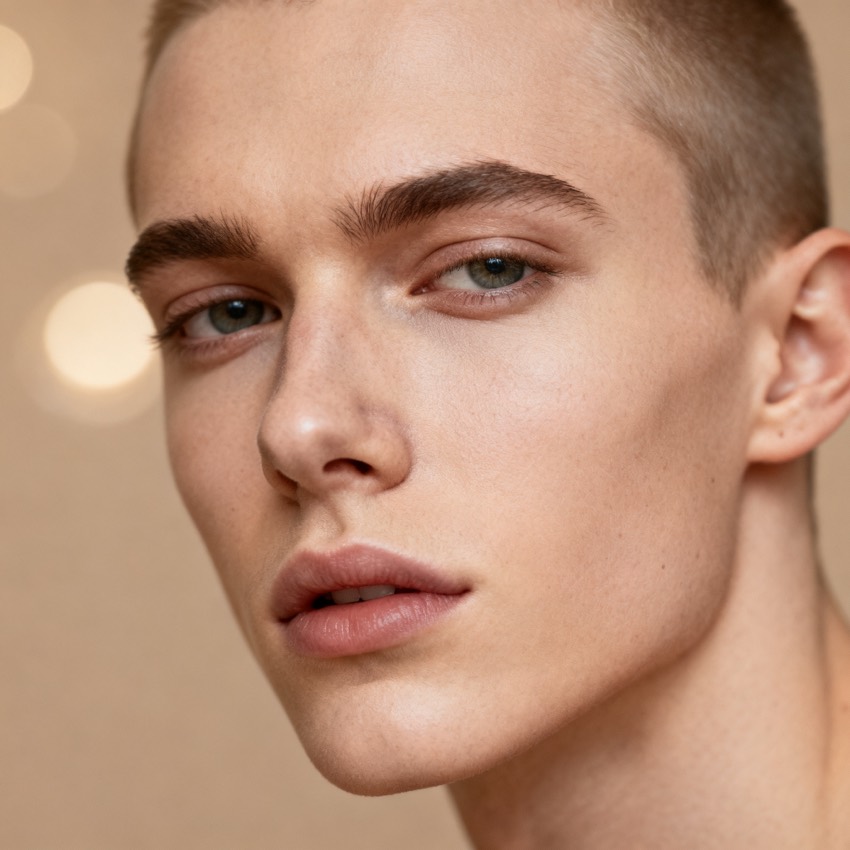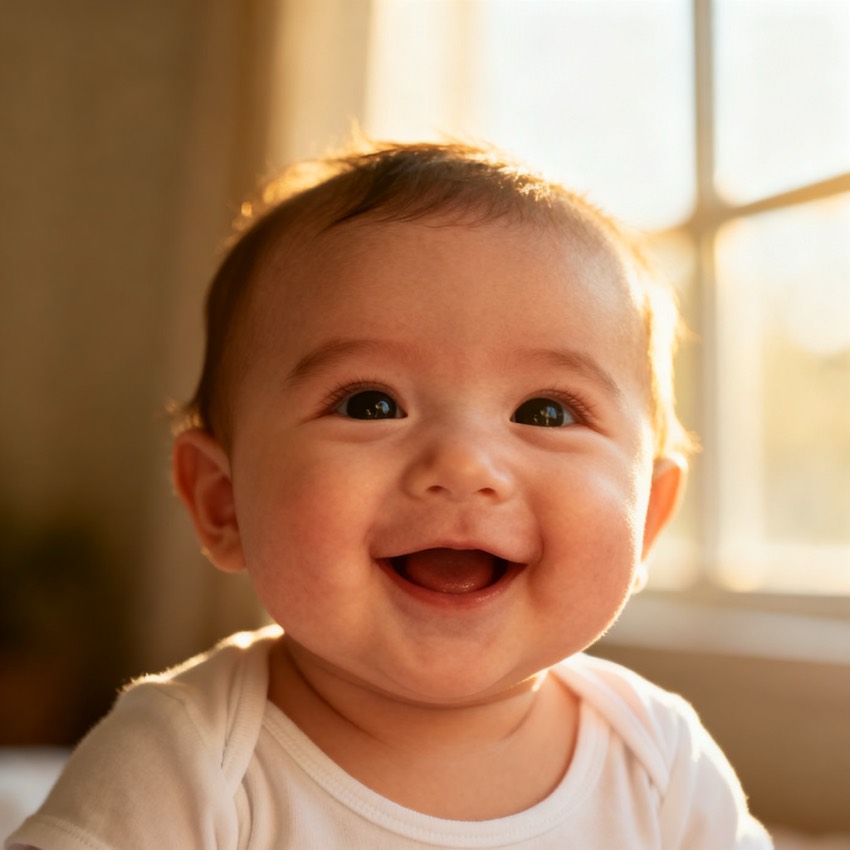
Generate a photorealistic baby portrait blending the features of the uploaded faces, soft even lighting, neutral background, natural newborn skin, gentle expression.
Subject
a baby blending the uploaded faces
Composition
head and shoulders, centered
Lighting
soft, even nursery light
Style
photorealistic newborn portrait
Camera
85mm portrait
Negative
adult features, uncanny eyes
Try it yourself
Get a prompt like this from your own photo
Upload your image and PixToPrompt writes a copy-paste prompt — then tweak it like the template below.
Free & instant — no sign-up to get prompts
Your image
Or try one
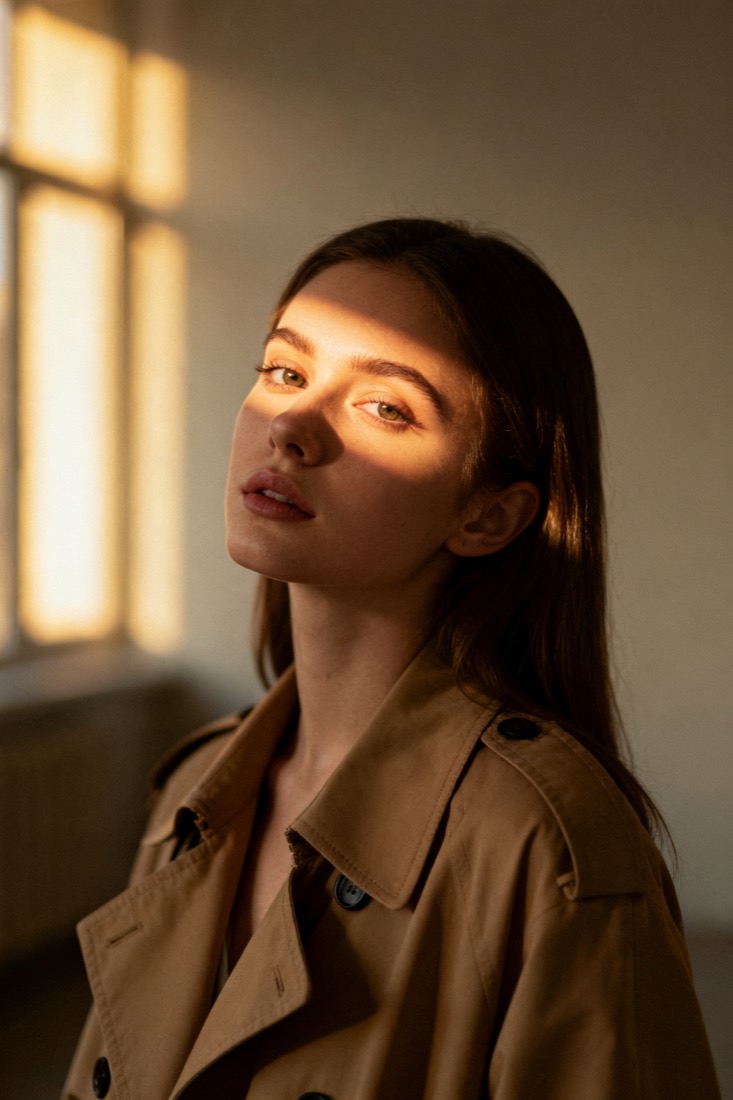
A cinematic waist-up portrait of a young woman in a beige trench coat, lit by soft window light, muted earth tones, shallow depth of field, shot on an 85mm lens.
Subject
woman, beige trench coat
Composition
waist-up, centered
Lighting
soft window light
Style
cinematic, muted
Camera
85mm, f/1.8
Negative
blur, extra fingers
Copy this prompt for any model
The same look needs different wording per model — the fields are identical, only the formatting changes. Copy the version your tool actually reads:
Generate a photorealistic baby portrait blending the features of the uploaded faces, soft even lighting, neutral background, natural newborn skin, gentle expression.
a baby blending the uploaded faces, head and shoulders, centered, photorealistic newborn portrait, soft, even nursery light, 85mm portrait --ar 1:1 --style raw --v 6
a baby blending the uploaded faces, head and shoulders, centered, photorealistic newborn portrait, soft, even nursery light, 85mm portrait, highly detailed
Negative prompt: adult features, uncanny eyes
About this look
An AI baby face prompt blends the features of one or two uploaded faces into a photorealistic newborn portrait. It works by being specific about realism and framing: photorealistic newborn portrait and natural newborn skin steer the model away from a doll-like or cartoon result, while head and shoulders, centered keeps the composition simple enough to look like a real studio shot. Soft, even nursery lighting avoids the harsh shadows that make AI faces feel uncanny. The negatives — adult features, uncanny eyes — are doing real work here, since baby proportions are the easiest thing for a model to get wrong. Tip: upload clear, front-facing parent photos; the blend is only as good as the features the model can see.
Why this prompt works
Babies are where models fail most, because the proportions are so specific — a large cranium, small features, a soft undefined nose — and any drift toward adult ratios reads instantly as uncanny. This prompt fights that on two fronts. Photorealistic newborn portrait and natural newborn skin steer toward real infant texture (soft, slightly mottled, no defined pores) and away from the doll-smooth or cartoon defaults. Head and shoulders, centered with soft, even nursery lighting keeps the composition simple and shadow-free, which is how real studio newborn shots are lit and the easiest setup for the model to get right. The negatives — adult features, uncanny eyes — are the load-bearing part: they explicitly suppress the two things (aged-up bone structure, over-rendered glassy eyes) that turn an AI baby unsettling. Blend quality then tracks directly with how clearly the parent photos show each face.
The ideal source photo
Upload sharp, front-facing photos of one or both faces you want to blend, evenly lit with the features clearly visible. The blend is only as good as what the model can read, so avoid sunglasses, hats, extreme angles, or heavy filters. Two clear parent photos give the most believable mix; a single clear face also works. Soft, even light and a plain background keep the focus on the features being combined.
How to use this prompt
- 1Upload sharp, front-lit photos of one or both parent faces — no sunglasses or extreme angles.
- 2Copy or load the prompt, keeping the wording about blending the uploaded faces.
- 3Generate with Gemini / Nano Banana or ChatGPT and check the proportions read as a real newborn.
What to expect
A good result is a soft, photorealistic newborn with believable infant proportions — a large head, small features, smooth but not plastic skin — that plausibly blends the uploaded faces. It should never look aged-up or glassy-eyed. The exact mix shifts run to run, so generate several and choose the most natural; treat it as a fun resemblance, not a literal prediction of a real child.
Tips for a sharper result
- Keep adult features and uncanny eyes in the negatives — baby proportions are the easiest thing to get wrong.
- Lean on natural newborn skin and soft nursery light to avoid a doll-like or cartoon result.
- The blend is only as good as the features the model can see, so favour clear, well-lit inputs.
Common mistakes
- Baby looks aged-up or uncannykeep adult features and uncanny eyes in the negatives.
- Doll-like or cartoon skinkeep natural newborn skin and a photorealistic newborn portrait.
- Blend ignores a parentsay which features (eyes, nose, hair) to favour, and use sharper inputs.
Variations to try
- Lean the blend toward one parent by describing which features (eyes, hair, nose) to favour.
- Set a specific age — newborn versus six-month-old — to shift the proportions and expression.
- Add a swaddle blanket or soft pastel backdrop to push it toward a posed studio keepsake.