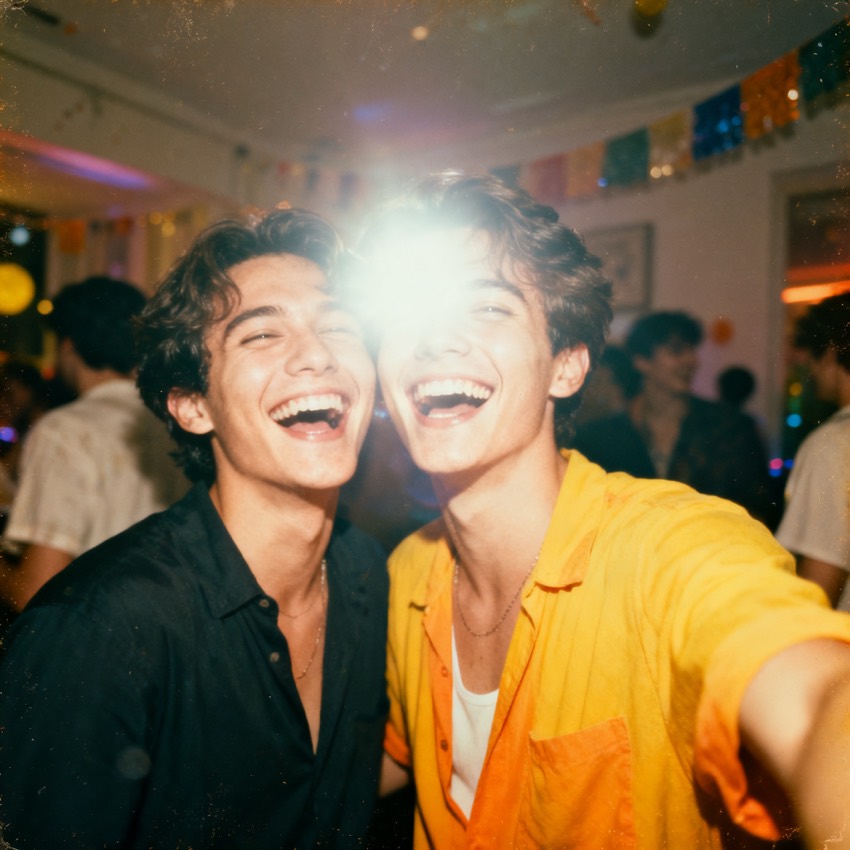
Transform this couple photo into a warm 1990s film portrait: vintage color grade, soft film grain, gentle backlight, waist-up framing, keep both faces consistent.
Subject
the uploaded couple
Composition
waist-up, close together
Lighting
warm vintage film light
Style
1990s film photography, grain
Camera
35mm film, soft focus
Negative
modern clothing, harsh light
Try it yourself
Get a prompt like this from your own photo
Upload your image and PixToPrompt writes a copy-paste prompt — then tweak it like the template below.
Free & instant — no sign-up to get prompts
Your image
Or try one
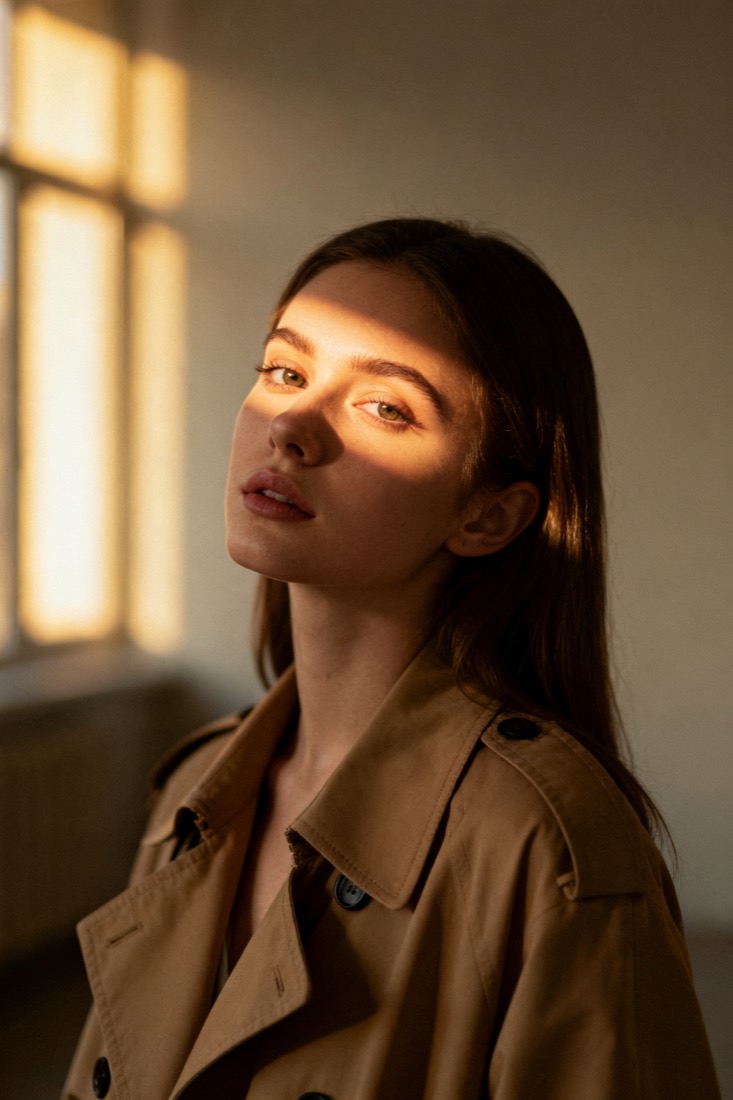
A cinematic waist-up portrait of a young woman in a beige trench coat, lit by soft window light, muted earth tones, shallow depth of field, shot on an 85mm lens.
Subject
woman, beige trench coat
Composition
waist-up, centered
Lighting
soft window light
Style
cinematic, muted
Camera
85mm, f/1.8
Negative
blur, extra fingers
Copy this prompt for any model
The same look needs different wording per model — the fields are identical, only the formatting changes. Copy the version your tool actually reads:
Transform this couple photo into a warm 1990s film portrait: vintage color grade, soft film grain, gentle backlight, waist-up framing, keep both faces consistent.
the uploaded couple, waist-up, close together, 1990s film photography, grain, warm vintage film light, 35mm film, soft focus --ar 1:1 --style raw --v 6
the uploaded couple, waist-up, close together, 1990s film photography, grain, warm vintage film light, 35mm film, soft focus, highly detailed
Negative prompt: modern clothing, harsh light
About this look
This look reskins a couple photo as a warm 1990s film portrait — the era of soft grain, gentle backlight, and a slightly faded colour grade. The prompt works because it specifies the medium (35mm film), the grade (warm vintage colour), and the texture (soft film grain) rather than just asking for retro, which models interpret inconsistently. Waist-up framing keeps both faces large enough to stay consistent, and the negatives push back on modern clothing and harsh light that would break the period feel. Tip: pick a source photo where both people are already close together and similarly lit — the model preserves a shared pose far better than it invents one.
Why this prompt works
Retro is the kind of word a model interprets ten different ways, so this prompt replaces it with the actual ingredients of a 1990s photograph. 35mm film and soft film grain reproduce the gentle texture and slightly lower micro-contrast of consumer film, which is the first thing your eye reads as an old photo. The warm vintage colour grade — lifted shadows, warm midtones, a touch of fade — is the era's signature, very different from a flat sepia filter. Waist-up framing keeps both faces large in the frame, which is what lets an editing model hold two likenesses at once instead of melting them together. The negatives push back on modern clothing and harsh, contrasty light, the two anachronisms that instantly break the period. Together they pin a specific decade rather than a generic vintage wash.
The ideal source photo
Pick a photo where both people are already close together and lit the same way, facing the camera. An editing model holds two faces best when neither is turned away or in shadow, so a clear, front-on couple shot beats a candid side angle. Avoid harsh flash, deep shadows, or one face much brighter than the other. A simple background helps the warm film grade read cleanly across both subjects.
How to use this prompt
- 1Pick a source where both people are already close together and similarly lit.
- 2Copy or load the prompt and keep the 35mm film, soft grain and warm grade cues.
- 3Use an editing model to hold both faces, generate, then check the era reads as 1990s rather than generic sepia.
What to expect
Expect a warm, slightly faded couple portrait with visible film grain and gentle backlight — clearly a 1990s photo, not a sepia filter. Both faces should stay recognisable and similarly lit. Colour warmth and grain vary between runs, so generate a few and pick the one where both faces hold up best; that is more reliable than pushing the grade harder on a single output.
Tips for a sharper result
- Name the film stock and grain — asking for vintage alone gives an inconsistent wash.
- Start from two clearly visible faces; a turned-away or shadowed face loses likeness fast.
- Keep modern clothing and harsh light in the negatives so nothing breaks the period feel.
Common mistakes
- Generic sepia washname the era: keep 1990s film, soft grain and a warm grade.
- One face melts or distortsstart from two clearly visible, similarly lit faces.
- Looks too modernkeep modern clothing and harsh light in the negatives.
Variations to try
- Shift the decade by swapping 1990s for 1970s Kodachrome warmth or a 1980s flash-snapshot look.
- Move from a warm fade to a cooler, cross-processed grade for an editorial retro feel.
- Add a soft window or golden-hour backlight to lift it from snapshot toward a posed studio portrait.