use case · designers-and-marketers
Image to prompt for designers and marketers
Turn a reference or a competitor's visual into a structured, reusable image brief — subject, lighting, palette, camera — your team can run across every channel. Free.
Image → prompt
Turn your own image into a prompt
Upload any image and PixToPrompt writes a copy-paste prompt — the workflow on this page, live and free.
Free & instant — no sign-up to get prompts
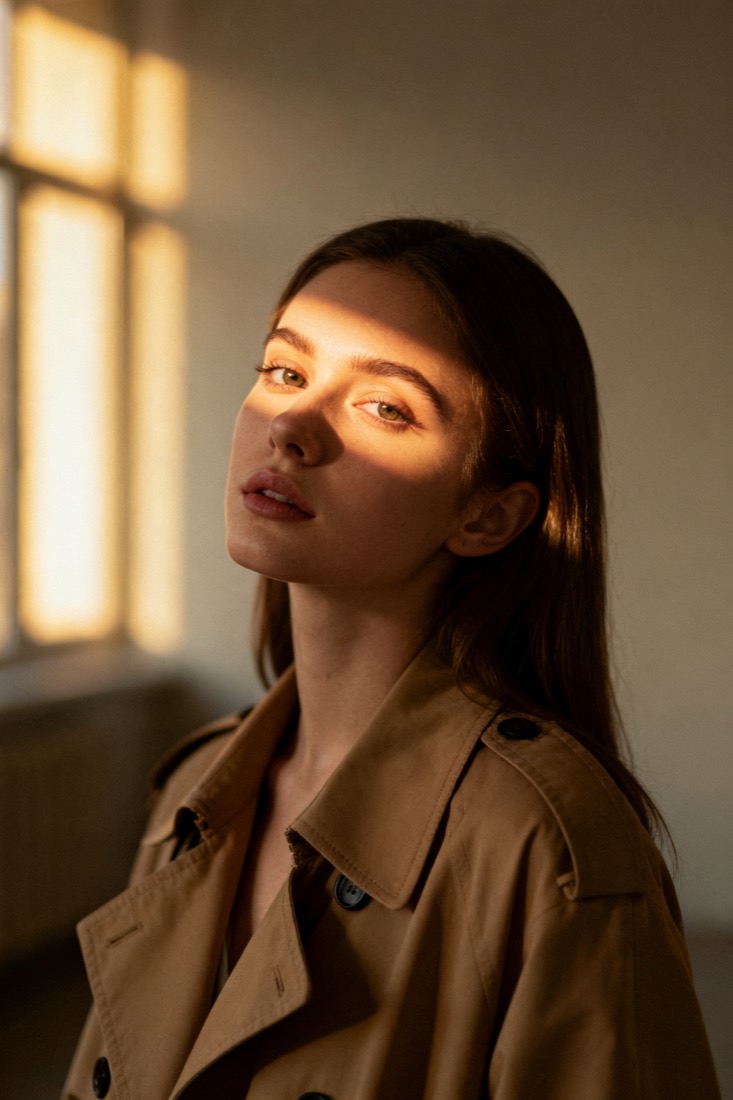
Your image
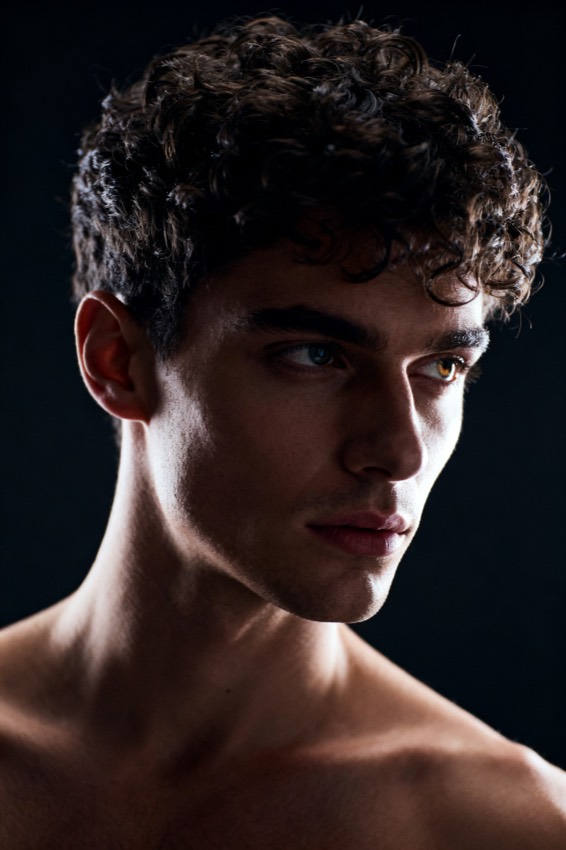
Or try one
A cinematic waist-up portrait of a young woman in a beige trench coat, lit by soft window light, muted earth tones, shallow depth of field, shot on an 85mm lens.
Subject
woman, beige trench coat
Composition
waist-up, centered
Lighting
soft window light
Style
cinematic, muted
Camera
85mm, f/1.8
Negative
blur, extra fingers
Design and marketing run on references: a brand board, a competitor ad, a hero shot the client loved. PixToPrompt reads those references and writes the prompt behind them, so a "make it look like this" brief becomes an actual, shareable instruction your whole team can run.
Turn any reference into a reusable brief
Paste a reference and get a structured image prompt, not a vague adjective list — the same fields a real creative brief needs, captured as text anyone can pick up.
The fields a real brief needs
Subject, composition, lighting, colour palette, camera and lens, and art style come back as discrete fields. That is the difference between "premium and clean" and "soft key light, seamless off-white backdrop, 50mm, shallow depth of field" — one is a vibe, the other is a spec a teammate can execute.
Competitor and moodboard teardown
Drop in a competitor's hero image or a moodboard pin and read exactly how it is built. You get a documented starting point to match, differentiate from, or brief out — without a single "can you make it more like theirs" thread.
Keep a campaign consistent across channels
A campaign lives across a banner, a social post and a landing hero. One analysis reformats into each model and aspect ratio so every asset stays on-message.
One look, every model
Switch the same prompt to Midjourney, Flux, Gemini or DALL·E format with one tap, and hand the identical brief to anyone on the team or to a freelancer.
Brand-safe iteration
Change one field — palette, lighting, subject — to spin a variant without losing the brand look, so iterations stay recognisably yours across the whole funnel.
design workflow
Briefs become prompts, not guesswork.
Capture a visual direction as a precise, reusable prompt and verify it renders the way the brief intended.
Decode a brand board
Convert reference visuals into a documented image-to-prompt spec.
Scale to channels
Reformat the same prompt for each model and aspect ratio you ship.
Validate before sign-off
Show a before/after recreation so stakeholders approve a proven look.
How design and marketing teams use it
- Upload a reference — a brand board, competitor ad or approved hero shot.
- Get the brief — read the structured fields and the assembled prompt.
- Replicate and verify — reformat per channel, then generate to confirm the look survives before sign-off.
Designer and marketer questions
Is using a competitor's image to make a prompt allowed? You extract a recipe (lighting, composition, palette), not the artwork itself. Use it to learn and brief, not to copy a protected asset — and always clear final usage with your own legal team.
Do you keep our uploads? No — images are processed to build the prompt and then deleted; they are never used for training.
Can the whole team reuse a prompt? Yes — prompts are plain text, so store the approved ones as living brand assets and start new campaigns from a known-good baseline.
Capture a reference as a reusable prompt.
Reading and reformatting prompts is free. Generating new on-brand images is the paid layer when the team needs it.