use case · ai-artists
Image to prompt for AI artists
Turn any AI artwork into its prompt — deconstruct the style, study what drives the look, then remix it across Midjourney, Flux & Gemini with before/after proof.
Image → prompt
Turn your own image into a prompt
Upload any image and PixToPrompt writes a copy-paste prompt — the workflow on this page, live and free.
Free & instant — no sign-up to get prompts
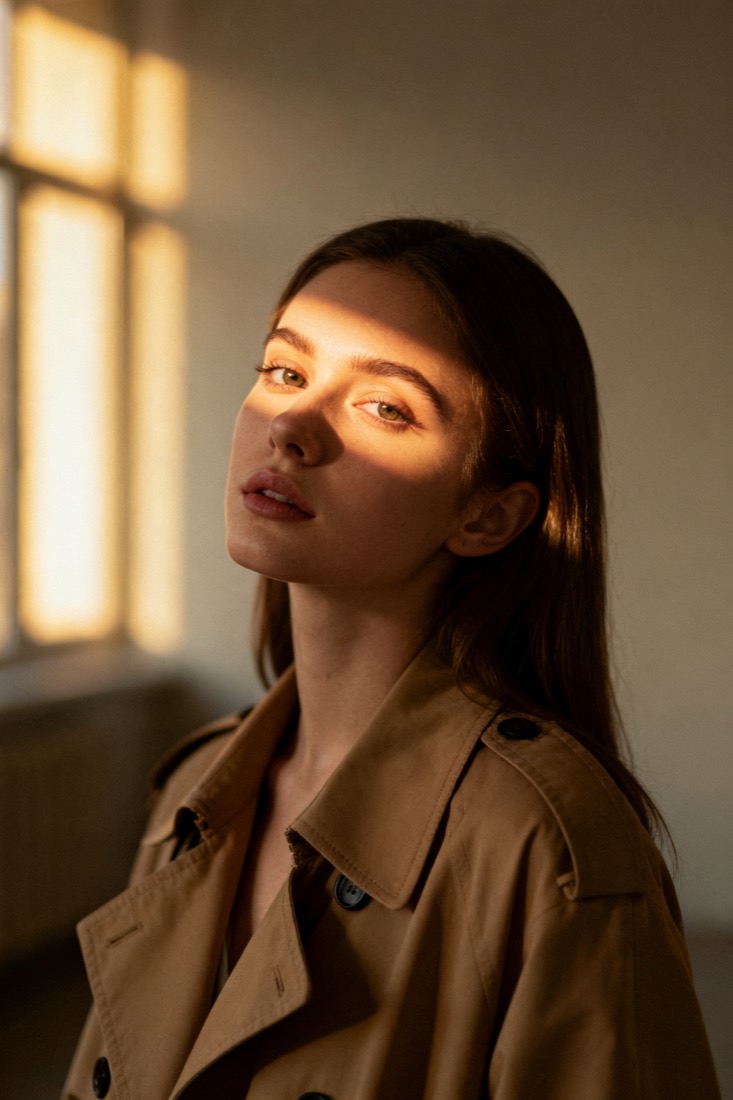
Your image
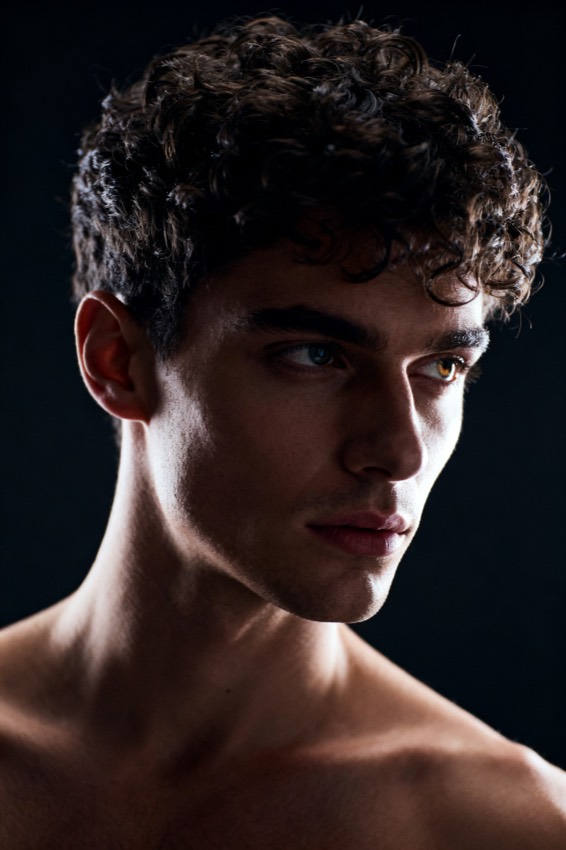
Or try one
A cinematic waist-up portrait of a young woman in a beige trench coat, lit by soft window light, muted earth tones, shallow depth of field, shot on an 85mm lens.
Subject
woman, beige trench coat
Composition
waist-up, centered
Lighting
soft window light
Style
cinematic, muted
Camera
85mm, f/1.8
Negative
blur, extra fingers
For AI artists the prompt is the craft — and the hardest part is the wall every artist hits: a render looks perfect and you have no idea what produced it. PixToPrompt reads any image back into a prompt. Not a vague caption, but the exact fields you control, so you can learn a look, change it, and make it your own.
Reverse-engineer any image into a prompt
Drop in a render that impresses you and read the image prompt behind it. Instead of a fuzzy sentence you get the eight levers that actually shape a picture, each returned as an editable field plus one assembled prompt.
The eight building blocks behind every look
Subject, composition, lighting, colour palette, camera and lens, art style, mood, and the negatives to avoid. Flip one and watch the output move — that is how you learn cause and effect instead of rerolling blindly.
Structured fields, not a fuzzy caption
"A beautiful portrait" tells you nothing. "85mm, f/1.8, golden-hour backlight, muted teal-and-amber palette, shallow depth of field" tells you exactly which knob to turn next time.
Study a style, then build a prompt vocabulary
Reverse-prompting is the fastest way to actually learn prompting. Every teardown adds reusable phrasing — lens, lighting, render engine, palette words — that you can drop into your next original piece. Decode enough images and you stop guessing and start composing from a vocabulary you trust.
Remix one look across every model
A prompt that sings in Midjourney often falls flat in Flux or Gemini, because each reads syntax differently. PixToPrompt rewrites the same fields into each model's dialect so the idea survives the move — Midjourney gets --ar, --style raw and --v; Stable Diffusion gets weighted tags plus a separate negative block; Flux and DALL·E get natural language.
artist workflow
Deconstruct, study, remix.
Turn any image into its prompt, understand the levers, and carry the same idea across model formats.
Reverse-engineer
Read the image-to-prompt breakdown of any render or photo.
Cross-model remix
Take one analysis and switch formats to compare how each model interprets it.
Verify your variation
Use before/after proof to check your remix really lands before sharing.
Keep a character consistent across models
The Gemini / Nano-Banana edit-style output is built to hold a face or subject steady when you carry it to a new model, so a series stays recognisably the same character instead of drifting into a new person each render.
How AI artists use the workflow
- Deconstruct — upload a reference or your own render and read the prompt plus the eight fields.
- Study and tweak — flip one field, regenerate, and see exactly what it controls.
- Remix and verify — switch the model tab, then generate the before/after to confirm the look holds before you share it.
AI artist questions
Will it copy someone's exact image? No — it extracts a recipe (style, lighting, composition), not the original artwork. Use it to learn and remix, not to clone a specific piece.
Do you keep my uploads? No — images are processed to build the prompt and then deleted, and they are never used for training.
Can I get booru-style tags for anime? Anime and illustration inputs return tag-friendly phrasing you can paste straight into Stable Diffusion or anime-tuned models.
Take apart an image and make it yours.
Reading prompts is free and instant. Generating recreations and variations is the paid layer when you want to render.